Why Privacy Myths Are So Persistent
Online privacy tools are often marketed with confident, reassuring language - "go invisible," "browse anonymously," "stay protected." That language works, but it also breeds misunderstanding. When a feature sounds more powerful than it is, users can take risks they believe are covered.
The myths below are not fringe beliefs. They show up in everyday conversations and, more importantly, in everyday behaviour. Understanding where each idea breaks down is a practical first step toward making better choices. For a broader foundation, see the plain-language guide to your digital footprint.
Myth
Incognito or private browsing mode makes you anonymous online.
Fact
Incognito mode stops your browser from saving your history locally, but your internet service provider, employer network, and the websites you visit can still identify you.
Private browsing was designed to keep your activity off the device - useful if you share a computer. It does not hide your IP address, and websites can still set cookies that last for your session. Trackers embedded in pages still log your visit. As data collected during browsing shows, your IP address alone can be tied to your approximate location and identity by any site operator.
Myth
A VPN makes you completely untraceable on the internet.
Fact
A VPN hides your traffic from your internet provider and masks your IP from websites, but your activity is still visible to the VPN provider itself - and traceability depends on many other factors.
VPNs are a genuine privacy tool with real trade-offs. They encrypt the connection between your device and the VPN server, which matters on untrusted networks. But they shift trust rather than eliminate it: the VPN provider can see what you do, so the integrity of that provider matters. Browser fingerprinting, logged-in accounts, and cookies can all still identify you regardless of VPN use. For a balanced account, see VPN trade-offs for everyday browsing.
Myth
Setting your social media profile to 'private' protects your personal data.
Fact
Privacy settings control who can see your posts, not what the platform itself collects and uses about you.
Restricting your profile to friends limits public visibility, but the platform continues to build a detailed behavioural profile regardless. This includes what you click, how long you pause on content, what you type but delete, and location data if permitted. Advertisers access this profile through the platform's ad system - no direct data handover required. How social media privacy settings actually work explains exactly what those toggles do and do not control.
Myth
HTTPS means a website is safe and trustworthy.
Fact
HTTPS encrypts the connection between your browser and the website - it says nothing about whether the site itself is legitimate or safe.
The padlock icon in your browser confirms that data travelling between you and the site is encrypted, which prevents interception by third parties on the same network. It does not mean the site won't collect your data aggressively, sell it, or be operated by a malicious actor. Phishing sites routinely use HTTPS. Think of it as a sealed envelope - the contents are private in transit, but the sender's intentions remain a separate question entirely.
Myth
Deleting an app removes all the data it collected about you.
Fact
Uninstalling an app removes it from your device, but the data already sent to the provider's servers typically remains unless you formally request deletion.
Under regulations such as the EU's GDPR, users in Germany and across the European Union have the right to request erasure of personal data held by a company. However, this right must be actively exercised - deletion is not automatic when you uninstall. Some data may be retained for legitimate legal or operational reasons even after a valid deletion request. Check the app's privacy settings or website for a data deletion request process before removing the app, if this matters to you.
What the Evidence Actually Recommends
Clearing up myths is only half the picture. What genuinely reduces your exposure?
81%
Users who feel they have little control over data collected about them
According to Pew Research Center survey data on American adults and online privacy attitudes - a pattern broadly echoed in European studies.
2FA blocks ~99%
Of automated account compromise attempts
Google's internal research on account security found that two-factor authentication stopped nearly all automated bot-based attacks on accounts.
- Use two-factor authentication (2FA) on every account that supports it. Even if a password is compromised, 2FA blocks unauthorised access in the vast majority of cases.
- Keep software updated. Many real-world breaches exploit vulnerabilities that already had patches available. Updates close those gaps.
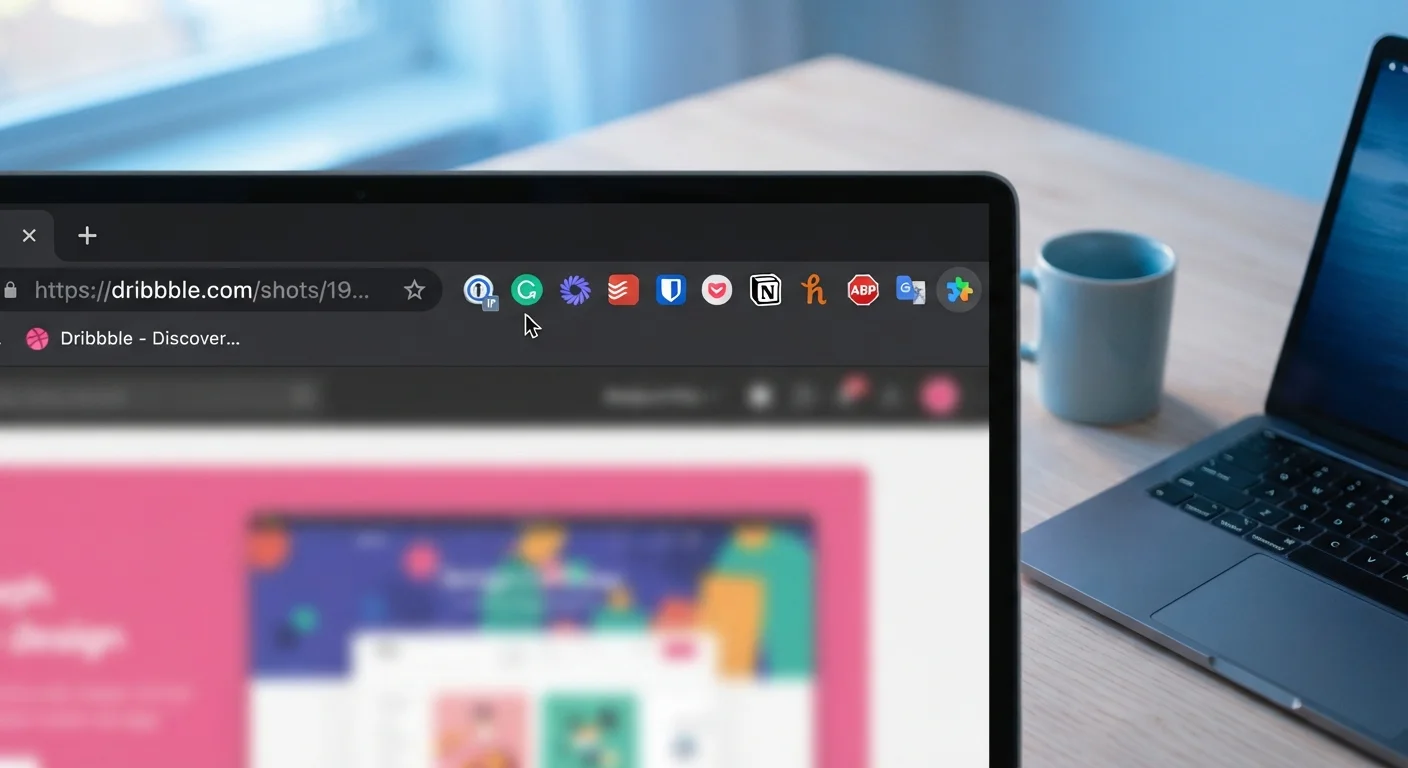
- Be selective about browser extensions. Each extension can read your browsing activity. The risks of browser extensions are frequently underestimated.
- Treat public Wi-Fi with caution. Even with HTTPS widespread, unencrypted hotspots carry risks. Our article on public Wi-Fi risks explains what can go wrong and how to reduce exposure.
No Single Tool Guarantees Total Privacy
Combining tools - a VPN, a strong password manager, 2FA, and careful app permissions - provides layered protection. Relying on any one solution as a complete answer creates a false sense of security. Privacy is an ongoing practice, not a one-time configuration.
For a comprehensive walkthrough of accounts, devices, and data, the end-to-end online safety guide covers practical steps without requiring technical expertise. Small, consistent habits - explored in everyday security habits - tend to provide more real-world protection than any single tool or setting.