The Core Philosophy Behind Each Platform
Android and iOS are both mobile operating systems - the software that runs your smartphone - but they were built with different goals in mind. Understanding those goals explains most of the practical differences you'll encounter daily.
Android, developed by Google, is designed to be adaptable. It runs on hardware made by many manufacturers, which means a wide range of devices at different price points. This openness allows for more user control but also introduces more variation in how different phones behave.
iOS, developed by Apple, runs exclusively on iPhones. Because Apple controls both the hardware and the software, it can enforce a consistent experience across all devices. The trade-off is less flexibility - Apple decides how certain things work, and users have limited ability to override those decisions.
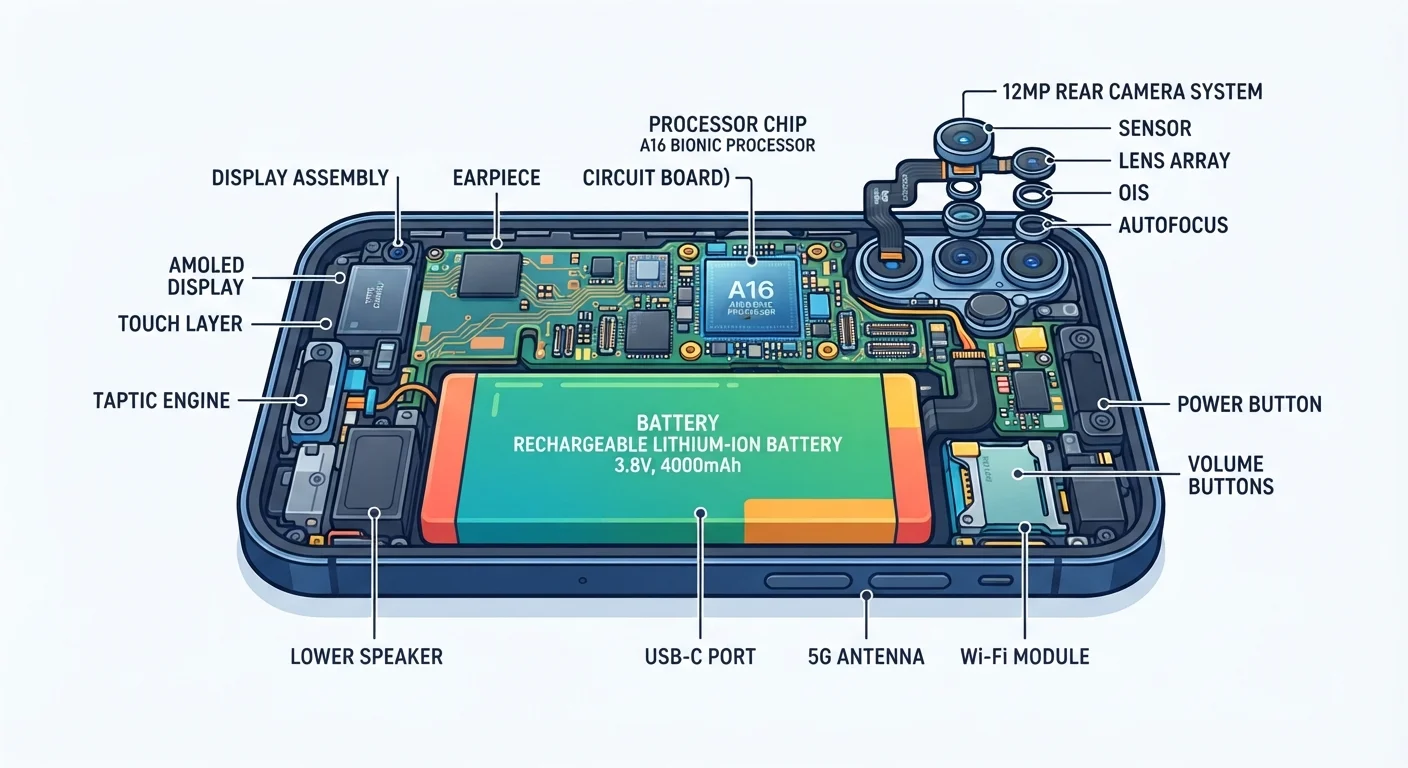
For a deeper look at what's actually running inside your phone, see how a smartphone's key components work together.
Customisation, File Access, and Daily Control
This is where the two platforms feel most different in practice. Android lets you change your default apps - so you can use a different browser, email client, or keyboard - and rearrange your home screen more freely, including placing widgets wherever you like. You can also transfer files to and from a computer by plugging in a cable, much like a USB drive.
iOS is more structured. You can choose some default apps (Apple has expanded this over time), but the system still guides you toward its own ecosystem - Safari, Mail, and iCloud. Transferring files typically goes through iCloud or the Finder/iTunes app on a Mac or PC, which some users find less intuitive.
Try Before You Commit
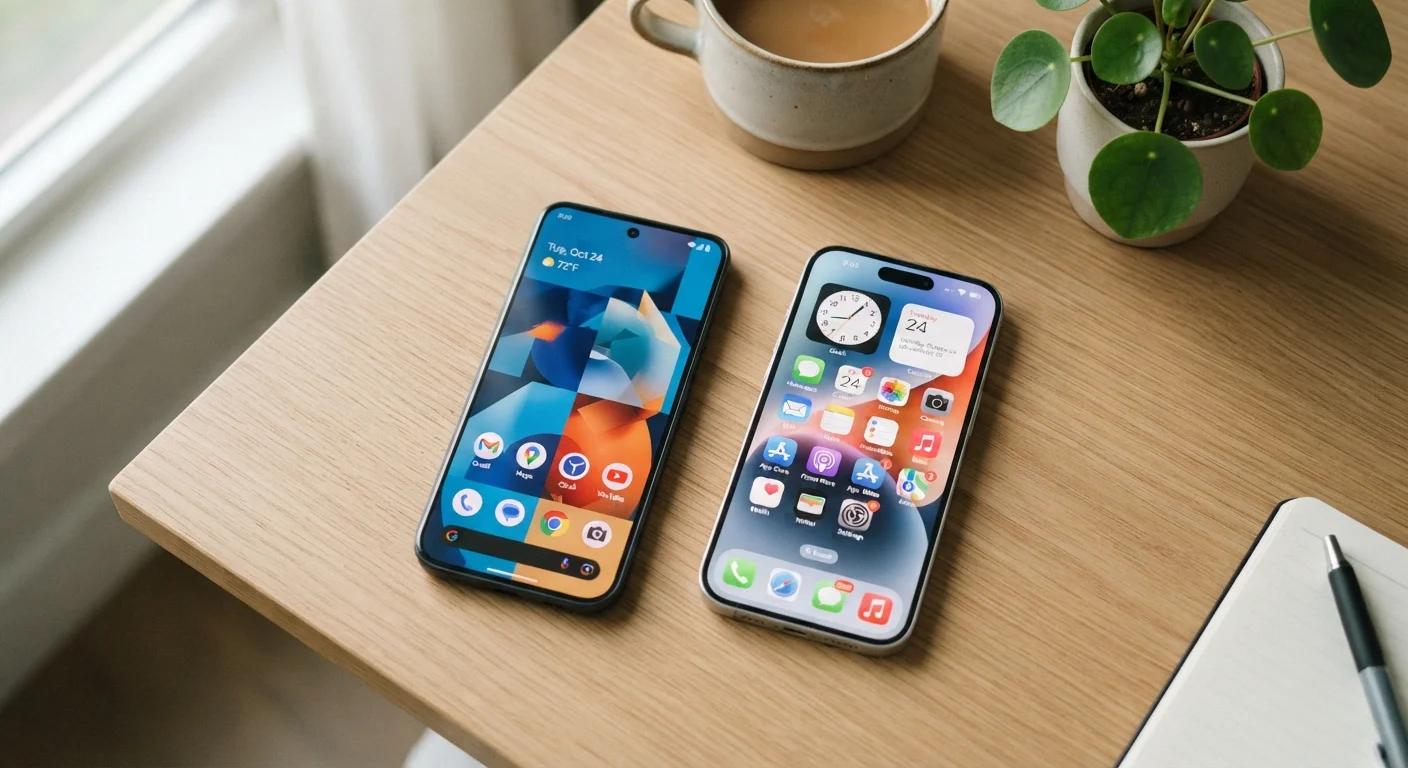
If you're unsure which platform suits you, visit a phone shop and spend a few minutes navigating both. Pay attention to how you access settings, move between apps, and manage notifications. Day-to-day comfort matters more than specifications on paper.
Neither approach is wrong. If you want a phone that works reliably without much configuration, iOS's consistency is genuinely useful. If you want to tailor your experience, Android gives you more room to do so.
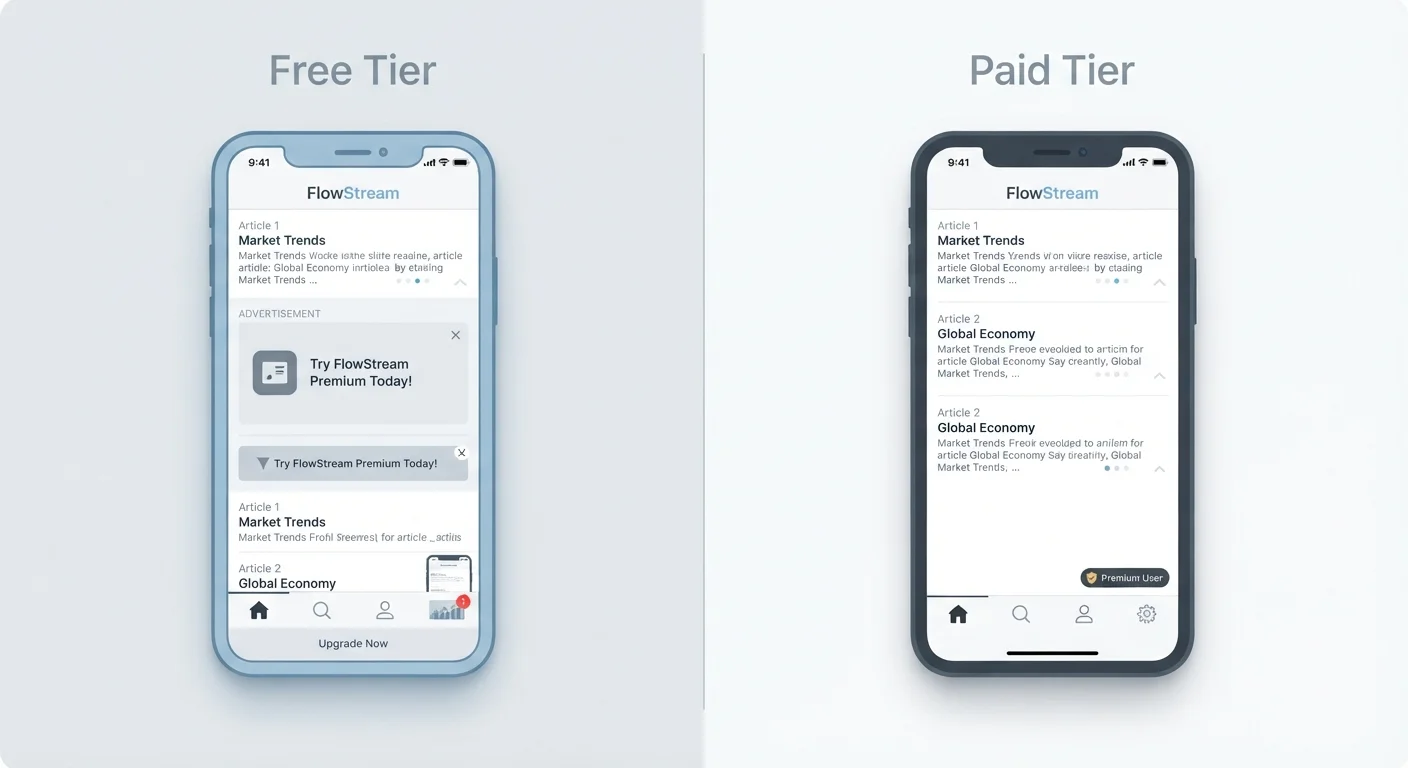
App choices are broadly similar - most major apps are available on both platforms. For context on how app tiers and pricing work, see what freemium app models really involve.
Software Updates and Long-Term Support
Software updates are one of the clearest practical differences between the platforms. Apple pushes iOS updates to all supported iPhones at the same time, and it has a strong track record of providing updates for five or more years after a device's release.
Android updates are more fragmented. Google publishes updates, but manufacturers must adapt them for their own devices before distributing them. This means the same Android version may arrive months later - or not at all - on different phones. Some manufacturers have improved their update commitments significantly, but it varies.
| Android | iOS | |
|---|---|---|
| Hardware variety | Many manufacturers, wide price range | Apple devices only |
| Home screen customisation | High - widgets, layouts, icon placement | Moderate - more control added in recent versions |
| Default app flexibility | Change most defaults freely | Limited, though expanding over time |
| File transfer to computer | Drag-and-drop via USB like a drive | Via Finder, iTunes, or iCloud |
| Software update timing | Varies by manufacturer and device | Simultaneous for all supported iPhones |
| Typical update support period | Varies - some brands offer 4-7 years | Generally 5-6 years per device |
| Default cloud backup service | Google One (15 GB free) | iCloud (5 GB free) |
| Privacy controls | Strong, improving with each version | Strong, with prominent tracking prompts |
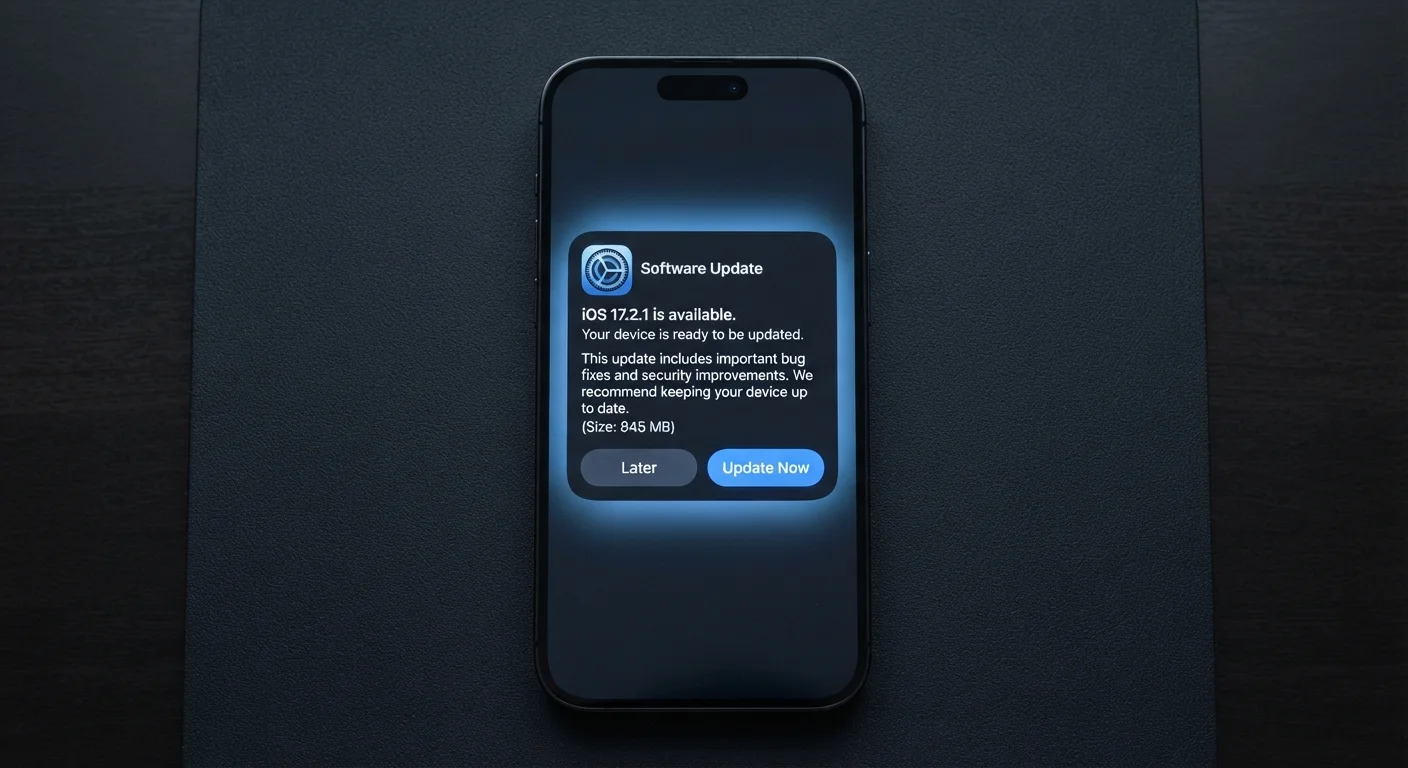
Why does this matter? Updates frequently contain security patches that protect your device from known vulnerabilities. What's actually inside a software update is worth understanding before deciding how much this factor weighs on your choice.
Privacy, Backups, and Ecosystem Lock-In
Both platforms have added meaningful privacy controls in recent years - such as asking apps for permission before accessing your location, camera, or contacts. iOS historically made these prompts more visible, particularly around ad tracking. Android has introduced similar tools, and both now offer dashboards showing which apps have accessed sensitive data recently.
Backups work differently too. iOS backs up to iCloud by default (storage above 5 GB requires a paid plan). Android backs up to Google's servers, and the scope of what's backed up can vary by device. For a fuller comparison of how cloud and local backup strategies work, see where your phone's photos and files really go.
One practical consideration is ecosystem lock-in: the longer you use one platform, the more your data, app purchases, and habits become tied to it. Switching platforms later means migrating contacts, photos, and potentially losing in-app purchases. This isn't a reason to avoid either platform, but it's worth factoring in from the start.
~72%
Global Android market share
According to StatCounter data, Android holds the majority of global smartphone usage, though iOS dominates in certain markets including the United States and parts of Western Europe.
5-6 years
Typical iOS software support window
Apple has consistently provided major iOS updates for devices up to five or six years old, a benchmark some Android manufacturers are now working toward.