Why Public Wi-Fi Is a Different Kind of Risk
Home broadband and mobile data connections are designed with a degree of user separation built in. Public Wi-Fi - in cafés, airports, hotels, and shopping centres - typically puts everyone on the same network segment, which creates opportunities for other users to observe traffic that is not properly encrypted.
The two most common threats are network interception (where someone on the same network captures data passing between your device and the internet) and evil twin attacks (where a malicious hotspot mimics the name of a legitimate network to trick you into connecting). Neither requires advanced equipment or expertise to carry out, which is precisely what makes them realistic risks rather than theoretical ones.
For context on how network security at home differs, see Setting Up a Safer Home Network, which covers why private networks can be made significantly more robust.
Never Assume a Network Is Legitimate
Anyone with basic technical knowledge can set up a Wi-Fi hotspot named 'Airport Free WiFi' or 'Café_Guest' in minutes. Before connecting, confirm the exact network name with staff at the location. Connecting to an impersonator network hands an attacker a direct view of your traffic.
Common Mistakes - and How to Avoid Them
Most public Wi-Fi risks are not inevitable. They stem from a small set of habits that are easy to change once you understand what is actually happening in the background.
Connecting to any available network without verifying it is the real one.
Why it happens: When you need a connection quickly, the list of available networks looks like a simple menu of choices rather than a potential security risk.
Logging in to banking, email, or work accounts over public Wi-Fi.
Why it happens: People assume that because a website looks secure or shows a padlock icon, the entire connection is safe - but the network layer beneath it can still expose metadata and session details.
Leaving Wi-Fi set to auto-connect to known networks.
Why it happens: Auto-connect is turned on by default on many devices and feels like a convenience feature rather than a risk.
Assuming HTTPS makes all activity on public Wi-Fi completely private.
Why it happens: HTTPS is widely understood to mean 'secure,' which creates a reasonable but incomplete sense of protection.
Using public Wi-Fi for file sharing, cloud syncing, or work VPN connections without any extra precautions.
Why it happens: These activities run in the background and feel passive, so people do not think of them as active risks.
Avoid Logging In to Sensitive Accounts on Public Wi-Fi
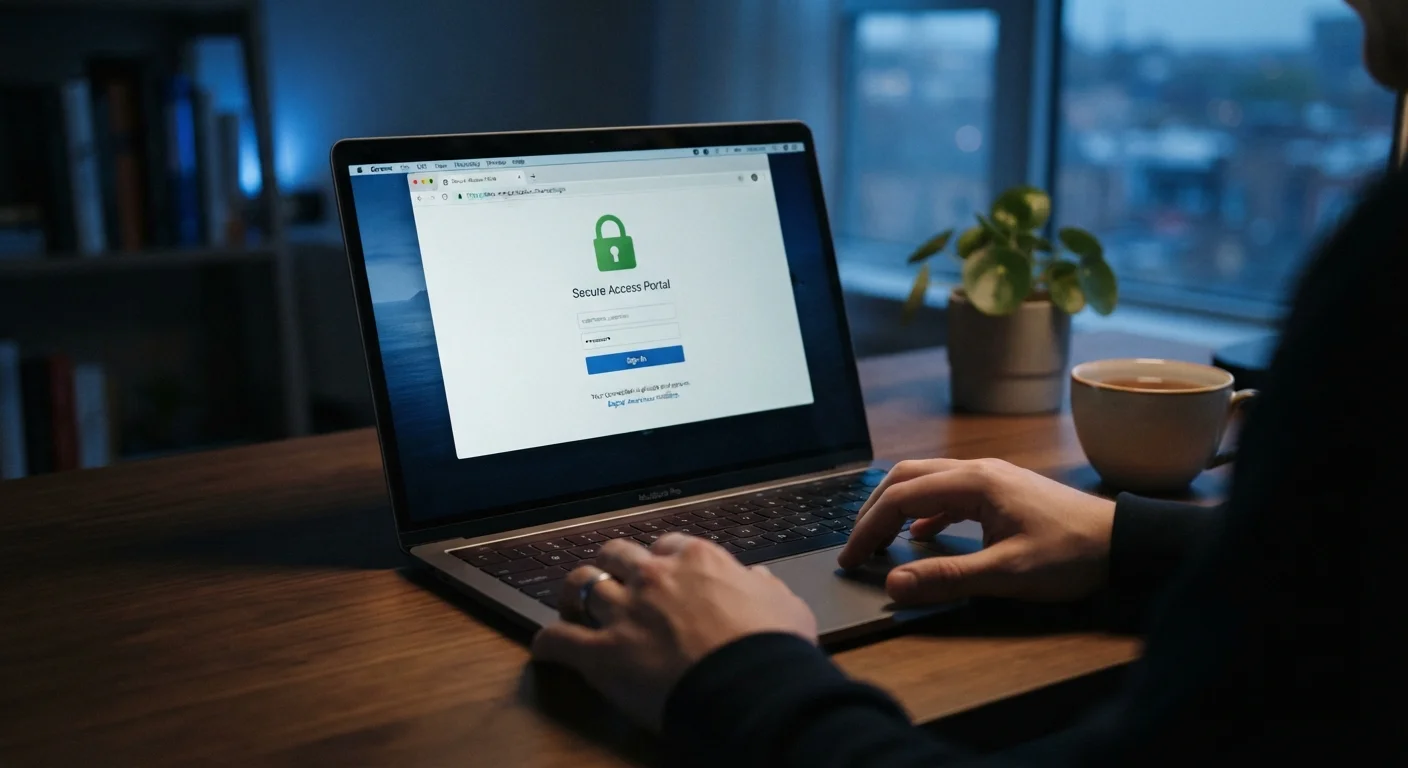
Banking apps, email accounts, and work portals are high-value targets. Even on a legitimate public network, other users on the same connection may be able to observe unencrypted traffic. If you must access these services, use your mobile data instead, or ensure the site uses HTTPS and you have a VPN active.
It is also worth understanding the limits of privacy tools more broadly. Online Privacy: Separating Common Myths from What the Evidence Shows explains why HTTPS, incognito mode, and even VPNs each have specific limitations that are easy to misunderstand.
Practical Steps When You Have No Alternative
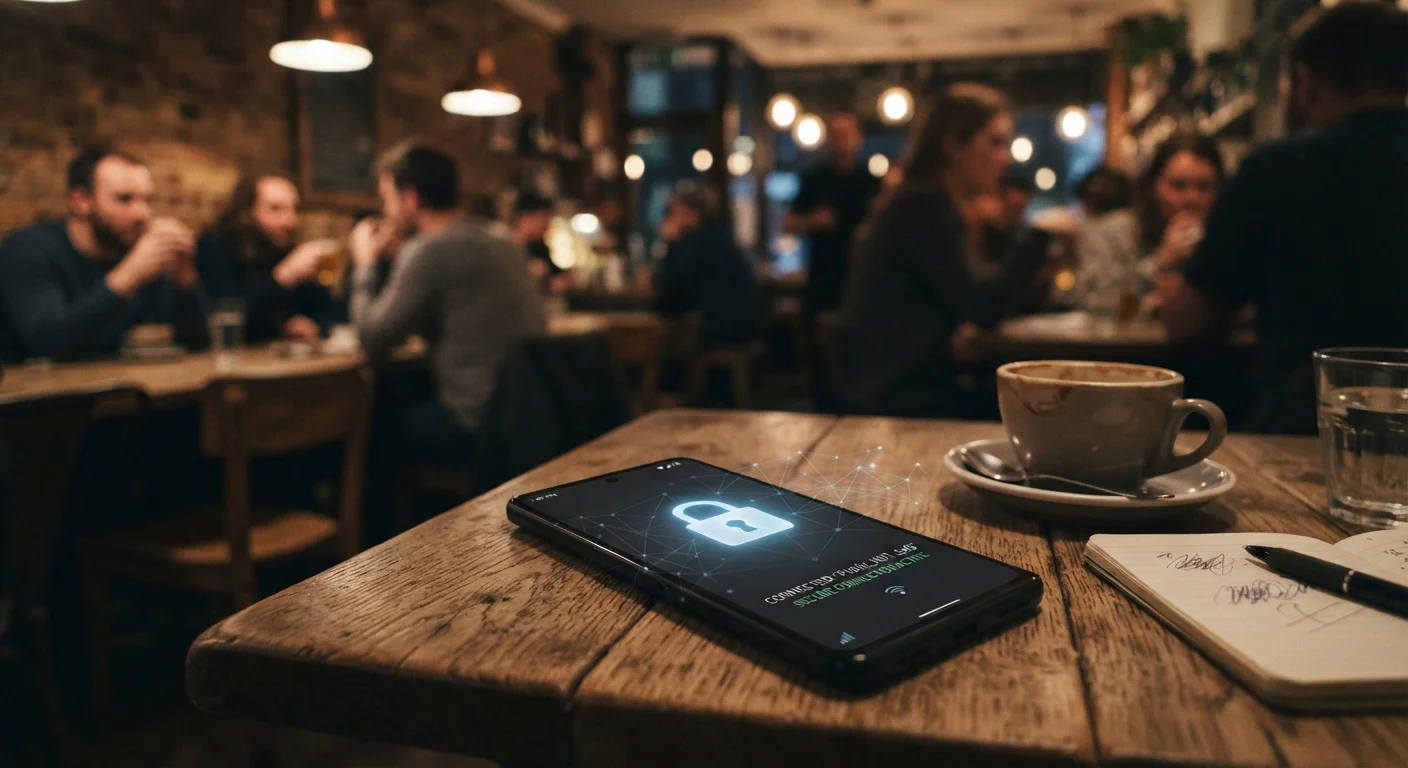
Sometimes public Wi-Fi is the only option available. In those situations, a few practical measures can meaningfully reduce your exposure without requiring technical expertise.
25%
Public hotspots with no encryption
A Kaspersky analysis of anonymised VPN connection data found that roughly one in four public Wi-Fi hotspots worldwide used no encryption at all.
1 in 3
Users who check no network details before connecting
A Norton Cyber Safety Insights Report found that a significant proportion of respondents connect to public Wi-Fi without verifying the network's legitimacy.
- Use a reputable VPN. A VPN (Virtual Private Network) encrypts your traffic before it leaves your device, making it much harder for others on the network to read. The Trade-Offs of Using a VPN for Everyday Browsing offers a balanced look at what they actually protect - and what they do not.
- Prefer mobile data for sensitive tasks. Your phone's mobile connection is not shared with strangers and is generally more secure for banking or email access.
- Keep your device's software updated. Security patches close vulnerabilities that could be exploited on shared networks. For broader device security habits, Keeping Your Smartphone Secure Without Becoming a Tech Expert covers the essentials in plain language.
- Log out when finished. Active sessions left open are a higher risk than brief, intentional logins. Log out of accounts rather than just closing the app or browser tab.
None of these steps guarantee complete security, but each one reduces the window of opportunity available to someone attempting to intercept your data.