Why the Right Digital Tool Makes a Difference
A well-chosen digital tool - whether a budgeting app, a calendar, or a to-do list - can remove genuine friction from everyday tasks. The wrong one adds it. The difference rarely lies in how polished the app looks, but in whether it fits the way you actually work.
Most people adopt tools reactively: a friend recommends something, or an article lists the "must-have apps of the moment." That approach often leads to a cluttered app library full of things you opened once. A deliberate approach - evaluating, setting up properly, and building a real habit - is what separates tools that improve your daily life from those that quietly drain your time and attention.
This walkthrough covers every stage, from spotting whether a tool is worth your time to knowing when it has run its course.
35+
Average apps installed per smartphone
According to data compiled by app analytics platforms, the average smartphone user has more than 35 apps installed, though regular usage concentrates on far fewer.
~25%
Apps used just once after download
Industry research has consistently found that roughly one in four downloaded apps is opened only once before being abandoned.
66 days
Average time to form a new habit
A study published in the European Journal of Social Psychology found that, on average, it takes 66 days for a new behavior to become automatic - longer than the commonly cited 21-day figure.
Evaluating a Tool Before You Commit
Before you create an account or hand over your email address, spend five minutes on a basic assessment. Ask four questions:
- What specific problem does this solve? If you can't name a concrete task it will handle, it's likely a solution looking for a problem.
- Who makes it and how do they earn revenue? Free tools are often funded by advertising or data sharing. Check the privacy policy summary - many app stores now display a plain-language data use label.
- What permissions does it request? A note-taking app that asks for access to your contacts or camera deserves scrutiny.
- Is there a lighter-weight alternative you already have? Your phone's built-in calendar, notes, and reminders cover a surprising number of everyday needs.
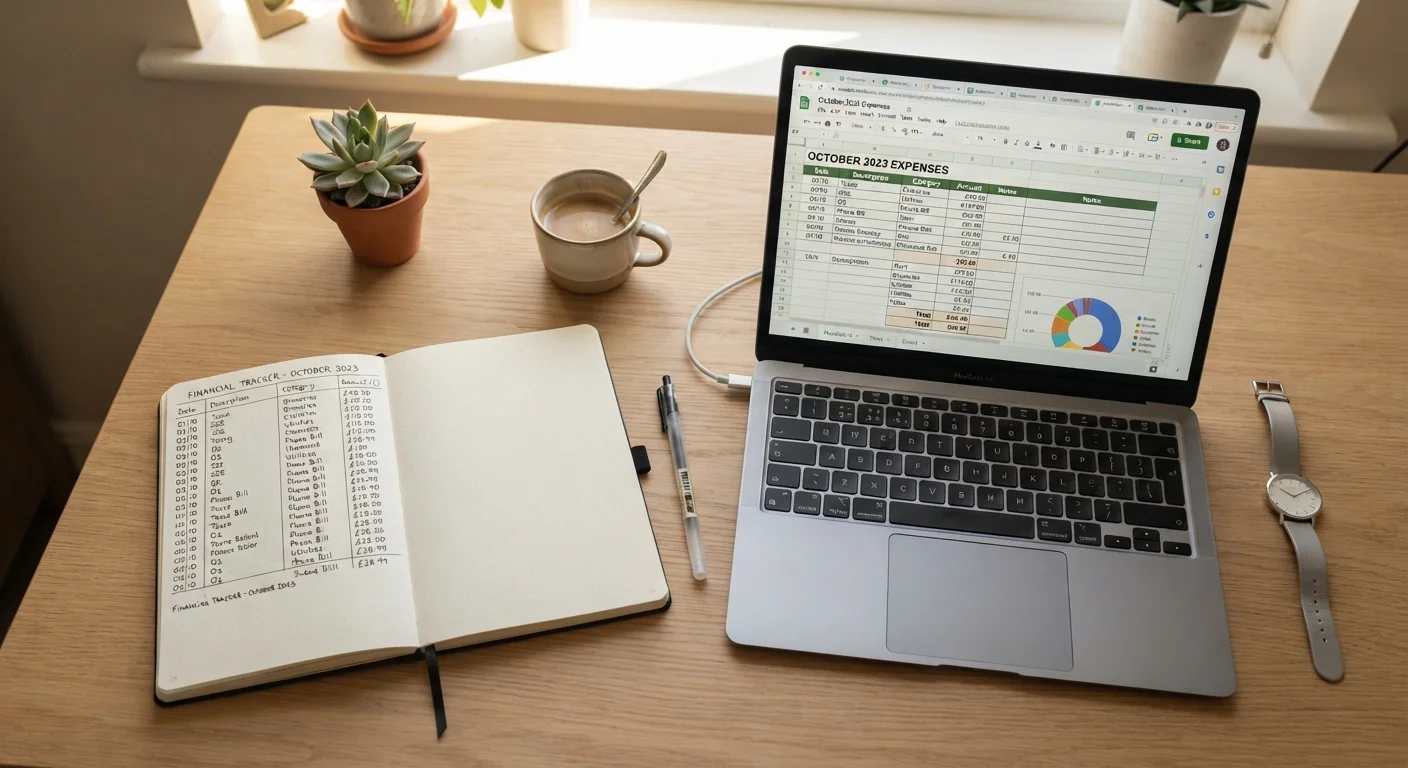
For anyone managing personal finances digitally, it's also worth considering whether a dedicated app genuinely improves on a simpler method. Our look at tracking spending with a spreadsheet vs. a notebook explores this comparison honestly.
Check whether a free app offers a paid tier, and read what changes between them - this often reveals the business model more clearly than the privacy policy does.
When the upgrade path is purely about storage or convenience, the base product is sustainable. When it's about removing ads or data sharing, that tells you how the free version is funded.
Before signing up, search for the app name alongside the word "breach" or "data leak" - a quick check that takes under a minute.
Past security incidents are a matter of public record and often indexed within days. This simple search surfaces known problems that a polished sign-up page won't mention.
Setting Up Your Account Safely
A secure account setup takes under ten minutes and protects you from the most common account-compromise scenarios. Follow these steps whenever you register for a new service:
- Use a unique, strong password. A password manager generates and stores these for you - you only need to remember one master password in return.
- Enable two-factor authentication (2FA). This adds a second verification step (typically a code sent to your phone or generated by an authenticator app) so that a stolen password alone isn't enough to access your account.
- Provide only the information the service genuinely requires. Many sign-up forms request optional details - date of birth, phone number, address - that aren't necessary for basic use.
- Review notification settings immediately. Default settings often enable every alert. Switching off non-essential notifications prevents the tool from becoming a source of distraction.
Understanding what data you share during sign-up is part of managing your broader online presence. The plain-language guide to your digital footprint is a useful starting point if this is new territory.
Reusing Passwords Is the Single Biggest Risk
If the same password protects multiple accounts and one service is breached, every other account using that password is immediately at risk. This is the mechanism behind the majority of account takeovers. Using a unique password for each service - managed by a password manager if needed - eliminates this vulnerability almost entirely.
Building a Daily Usage Habit
A tool only delivers value when you use it consistently. The most common reason people abandon apps isn't that the app is bad - it's that no clear habit was ever formed around it.
Behavioral research consistently shows that new habits stick best when they are anchored to an existing routine (a concept sometimes called "habit stacking"). If you want to use a budgeting app, open it every time you make a purchase, or review it each Sunday morning with your coffee. The trigger should already exist in your day.
A few practical principles:
- Start with one feature, not all of them. Master the core function before exploring advanced settings.
- Set a two-week trial period with a specific goal: "I will log every expense for 14 days." Evaluate at the end.
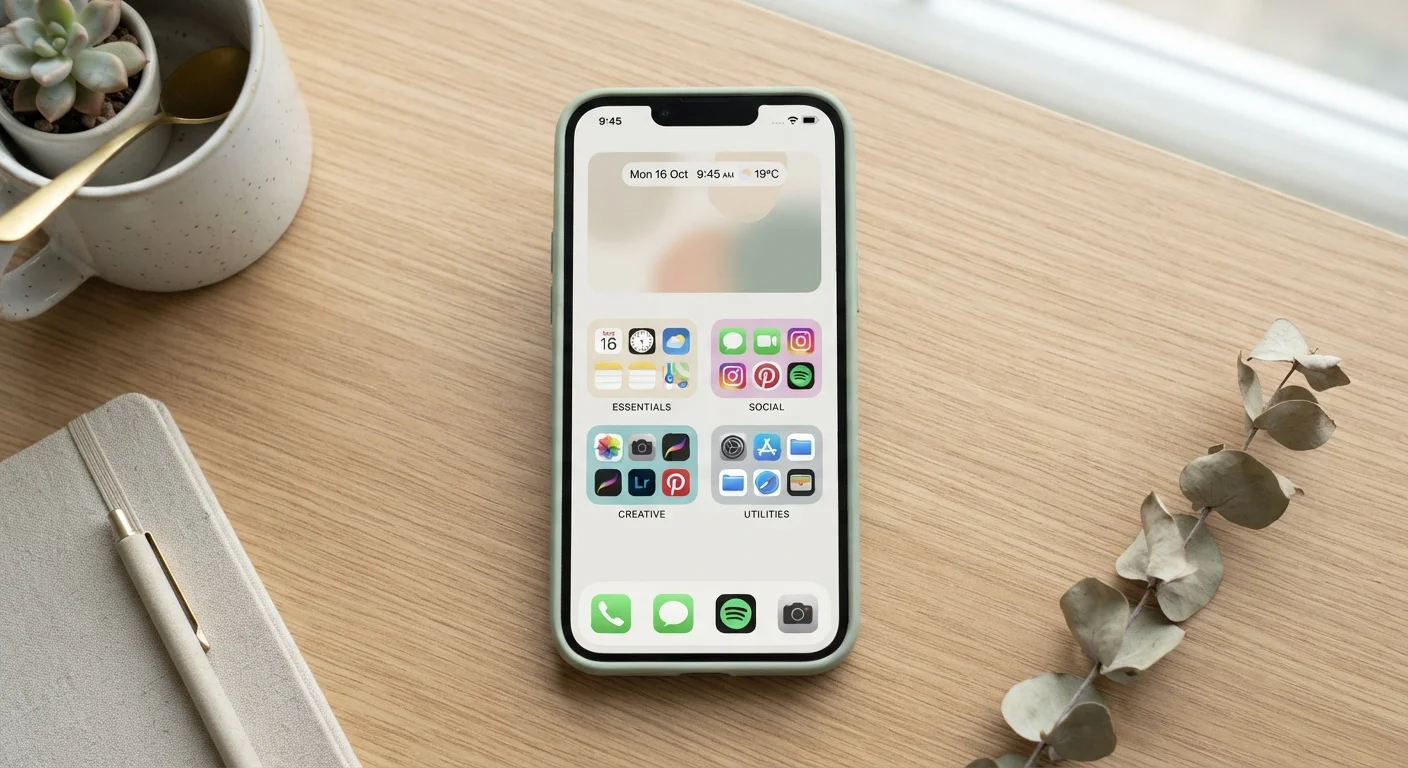
- Place a shortcut to the tool where you'll see it - on your phone's home screen or in your browser's bookmark bar.
Consistency matters far more than sophistication. A straightforward tool used every day outperforms a feature-rich one used sporadically.
Anchor New Tools to Existing Routines
Rather than relying on willpower alone, connect your new tool to something you already do daily - checking the news, making morning coffee, or winding down for the evening. This pairing makes the behavior easier to sustain and reduces the chance of the app going unused for weeks at a stretch.
Keeping Your App Setup Manageable
Apps accumulate faster than most people notice. A few months of enthusiastic sign-ups can leave you with dozens of accounts - many of which hold personal data and quietly send you emails you never read.
A lean, intentional app library is easier to secure, faster to navigate, and less cognitively demanding. The habits that help you maintain it include:
- A monthly five-minute review: scroll your app list and ask whether each tool earned its place this month.
- Deleting - not just uninstalling - accounts for services you no longer use. This reduces your data exposure.
- Keeping one tool per category. Two calendar apps and three to-do lists create overlap and confusion, not redundancy.
For a more detailed approach to this, see our guide on keeping your app library manageable over time. Paired with the everyday habits that strengthen your online security, these practices form a solid foundation for a well-maintained digital setup.
Built-In Tools Are Often Underestimated
Most smartphones and computers come with capable calendar, notes, reminders, and file-storage applications pre-installed. These are regularly updated, well-integrated with the rest of the system, and don't require a separate account. Before adopting a third-party alternative, it's worth exploring what you already have.
When to Switch, Simplify, or Stop
Knowing when to move on from a tool is as important as knowing how to adopt one. Switching shouldn't be impulsive, but holding onto something that no longer serves you has a real cost - in time, mental load, and sometimes money.
Consider stepping back from a tool when:
- You consistently work around it rather than with it.
- Its data practices have changed in ways you're uncomfortable with.
- A simpler built-in alternative now covers the same function adequately.
- You're paying a subscription for features you rarely use.
Before switching, export or back up your data if the service allows it. Most reputable platforms offer a data export option in account settings - look for "Download my data" or a similar label. This is good practice regardless, and it ensures you're not locked in.
Finally, simplification is always a valid choice. Returning to a paper notebook, a basic spreadsheet, or the tools already built into your operating system is not a step backward. It's a recognition that the right tool is the one you'll actually use - and that's enough.
Have I Been Pwned
A free service that checks whether your email address has appeared in known data breaches. Useful to run when evaluating whether a platform you've used has had a security incident.
Your Phone's Built-In Privacy Dashboard
Both Android and iOS include a privacy dashboard in Settings that shows which apps have recently accessed your camera, microphone, location, and contacts. Reviewing this periodically takes under two minutes.
Online Safety Hub
Our Online Safety hub collects essential habits and tips for staying safe across the digital tools you use every day.