Why App Clutter Happens in the First Place
Most people don't set out to accumulate 200 apps. It happens gradually - a utility downloaded for one trip, a game installed during a free evening, a tool required briefly for a work project. Without any active management, your phone becomes a digital junk drawer.
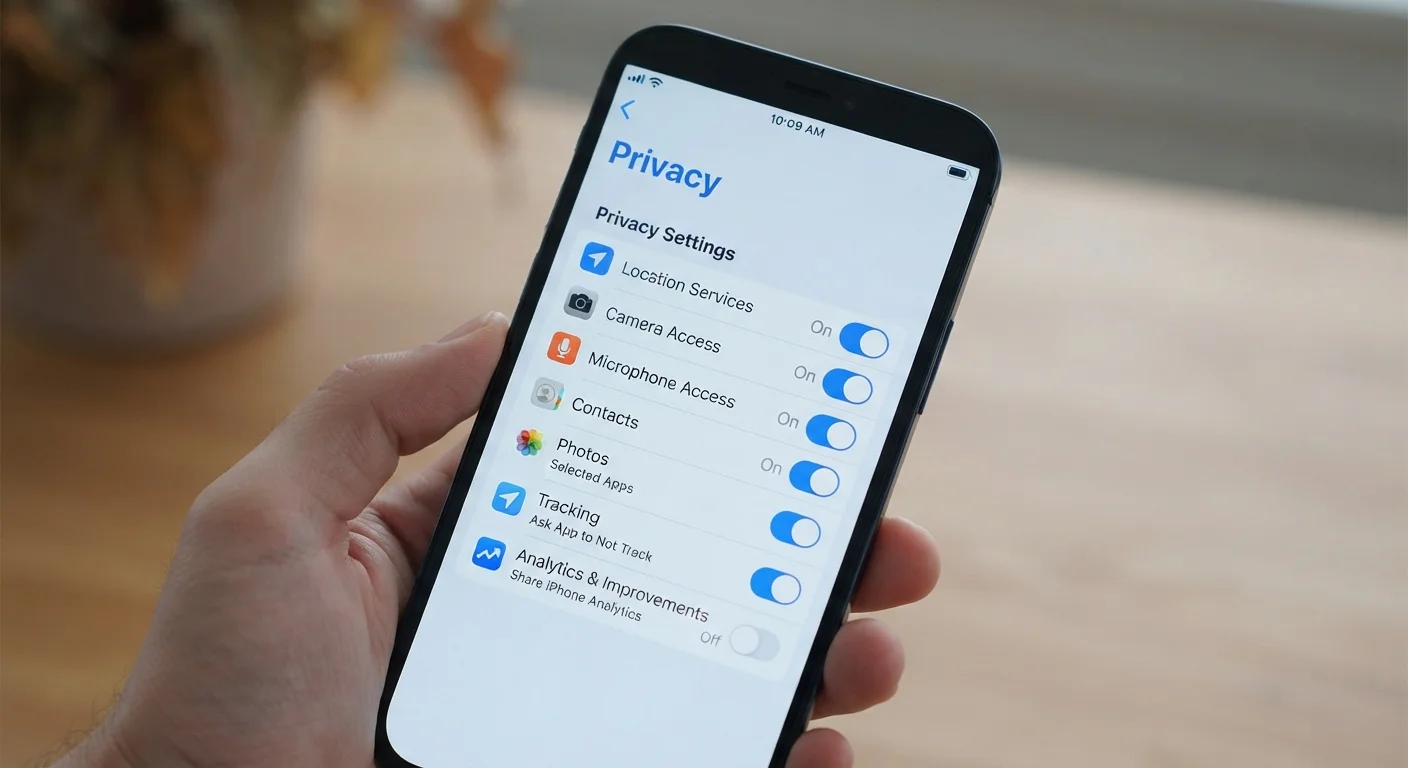
The consequences are more than cosmetic. Unused apps can run background processes that drain battery life, consume storage, and in some cases continue accessing data they no longer need. For a fuller picture of what apps may be doing quietly in the background, it's worth checking your app privacy settings at least once a year.
The good news: managing your app library doesn't require a dramatic purge. A few reliable habits keep things orderly with minimal effort.
Schedule a quarterly app review instead of reacting to storage warnings.
Reactive cleanups happen under pressure and lead to hasty decisions. A scheduled 10-15 minute review each quarter lets you evaluate apps calmly and spot patterns in what you actually use. It also prevents the gradual accumulation that makes periodic overhauls necessary.
Group apps by task or context rather than by app type.
Organising by what you're trying to do - commuting, finances, home, health - makes apps easier to find and makes gaps or redundancies immediately visible. When two apps sit in the same folder serving the same purpose, it's easy to decide which to keep.
Before installing any new app, identify which existing app it would replace.
Most new downloads don't replace anything - they simply add to what's already there. Asking 'what does this replace?' forces a useful trade-off decision and prevents accumulation by default. It also encourages choosing more versatile tools rather than single-purpose ones.
Audit storage usage every time your device runs low rather than deleting files.
Storage warnings are a useful signal that often gets resolved by deleting photos - when the real culprit is several neglected apps consuming data in the background. Checking per-app storage in your device settings reveals where space is actually going.
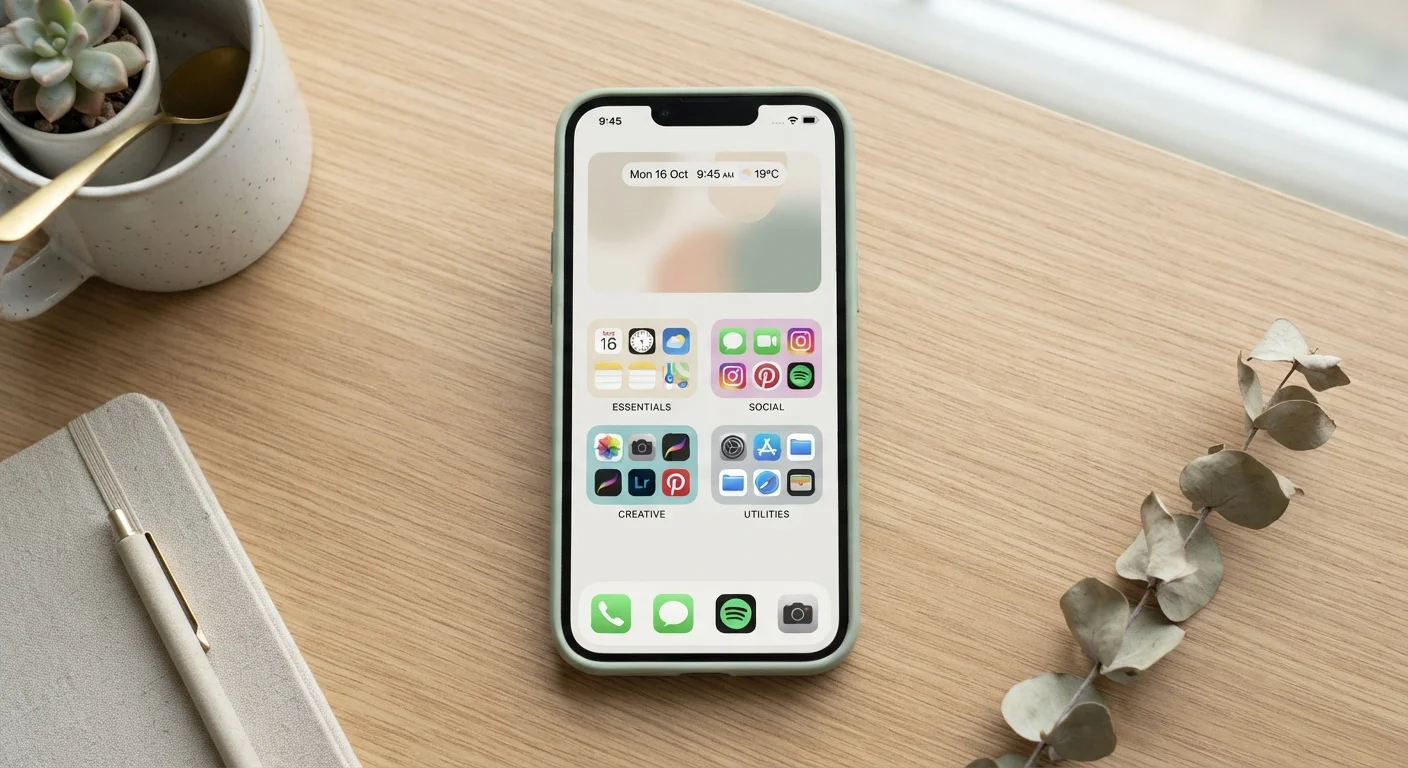
Keep your home screen to apps you use every single day.
The home screen functions as a visual shortlist of your priorities. Cluttering it with occasional-use apps trains your attention to scan rather than reach purposefully. Apps you use weekly or monthly belong in folders or the app library, not on the primary screen.
Core Practices for a Leaner App Setup
The following approaches work across both Android and iOS devices and require no technical knowledge - just a bit of consistency.
Staying Organised for the Long Term
A single cleanup session is rarely enough. The apps that serve you well today may become redundant in six months as your habits change. Building light, recurring routines is what keeps your library manageable over time rather than cyclically chaotic.
~80
Percentage of installed apps rarely used
Research from app analytics firms has consistently found that most smartphone users actively use fewer than a quarter of their installed apps on a regular basis.
2-4 GB
Typical storage freed by removing unused apps
Device storage audits frequently show that a targeted removal of dormant apps, including cached data, can recover several gigabytes on an average smartphone.
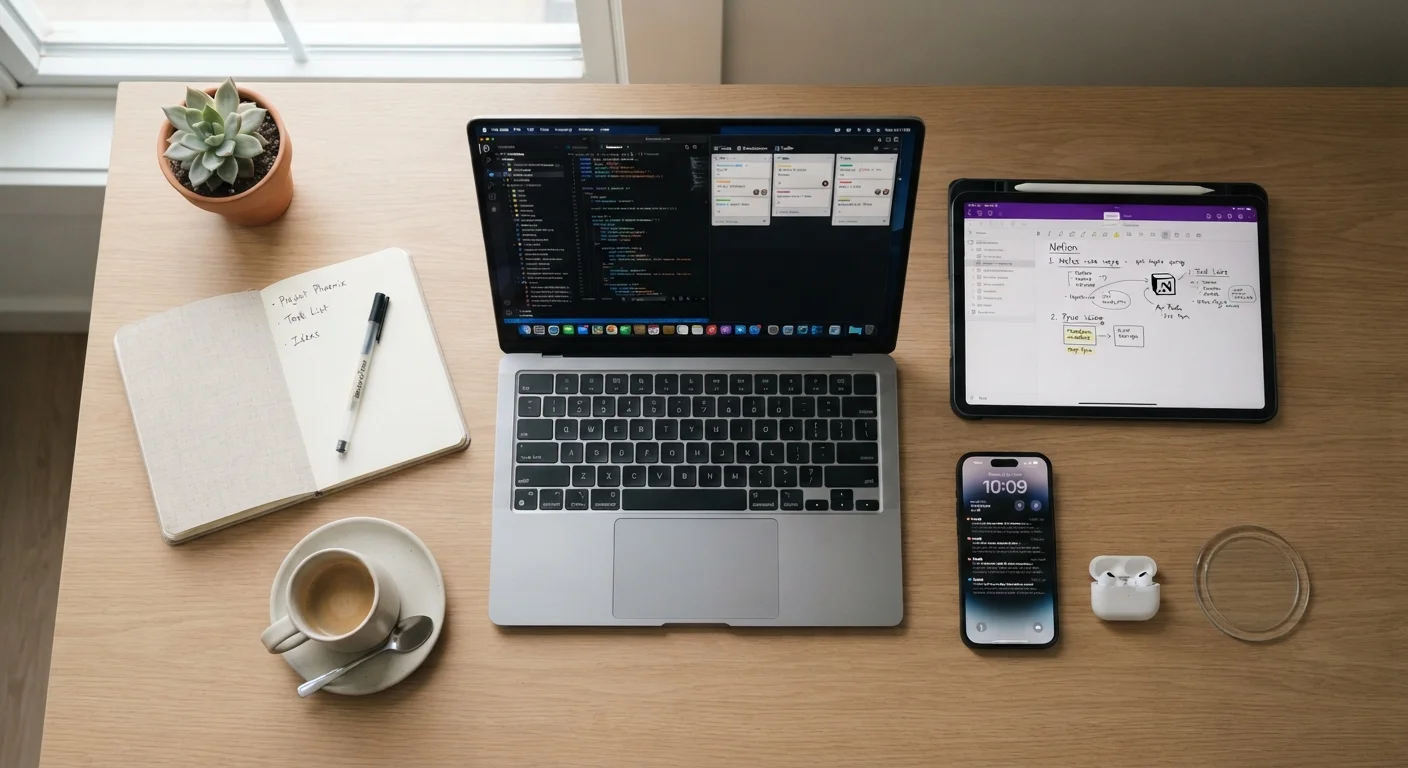
If you're also trying to make better use of the apps you do keep, consider how digital tools fit into your broader daily routines. Our guide on adopting digital tools effectively walks through the full lifecycle from evaluation to habit formation.
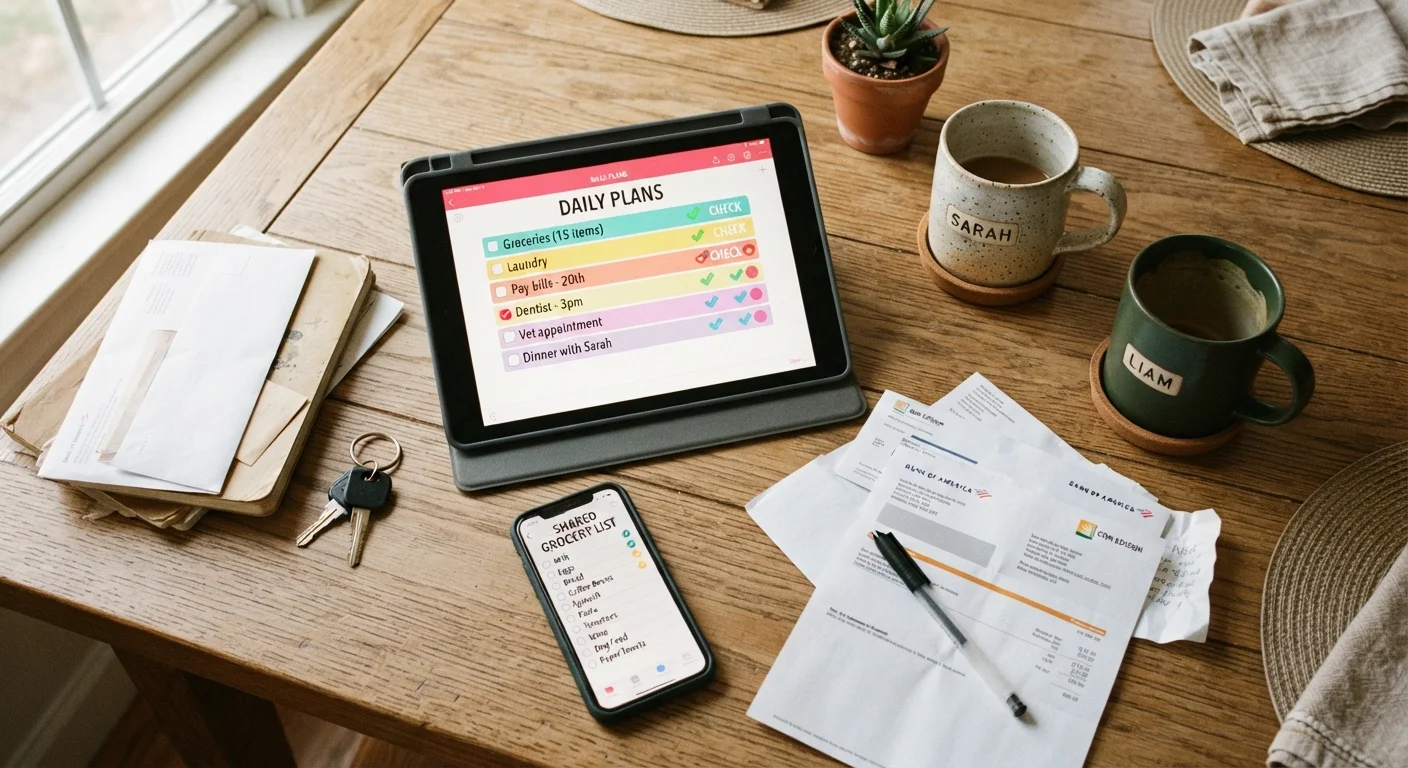
For those managing shared responsibilities at home, apps can genuinely reduce friction - but only when everyone is working with a tidy, agreed-upon set of tools. See how others are approaching this in our overview of digital tools for shared household admin.
Android vs. iOS: Different Tools, Same Goal
Both Android and iOS include built-in tools to help manage your app library. Android devices typically offer app usage stats under Digital Wellbeing settings, while iOS provides Screen Time reports. Either way, the underlying habits described here apply regardless of which platform you use. The exact menu names and steps may vary by device manufacturer and operating system version.
Finally, a leaner app library often has a direct effect on notification overload. Fewer apps mean fewer interruptions - and if you haven't yet audited your alerts, our article on reclaiming control over notifications is a natural next step.