What Two-Factor Authentication Actually Does
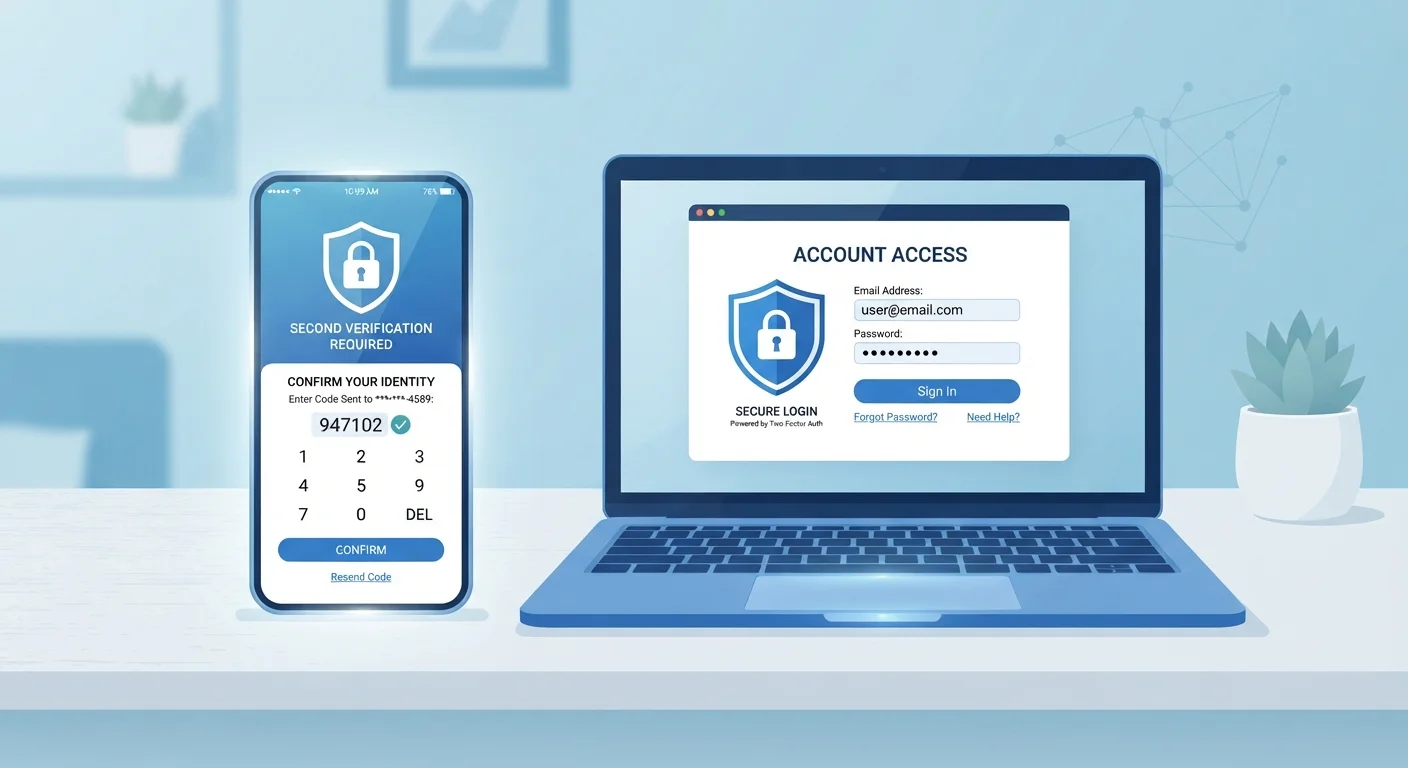
Two-factor authentication - commonly abbreviated as 2FA - requires you to verify your identity in two separate ways before accessing an account. Typically, the first factor is your password (something you know). The second factor is something you have or are: a temporary code, a physical device, or a biometric scan.
The logic is straightforward: even if someone obtains your password through a data breach or phishing attempt, they still cannot log in without that second factor. As covered in our introduction to 2FA, enabling any form of 2FA is one of the most impactful steps an everyday user can take.
What's less widely understood is that the three most common 2FA methods - SMS codes, authenticator apps, and hardware keys - differ significantly in how they work and how easily they can be defeated.
The Three Main Methods Compared
Understanding how each method functions helps explain why security professionals treat them differently.
SMS Codes
When you log in, the service sends a one-time code to your registered mobile number via text message. You enter it to complete sign-in. Setup is easy and requires no extra app or device - just a phone number. The downside is that SMS messages travel through mobile carrier networks, which can be exploited. A technique called SIM swapping involves convincing a carrier to transfer your number to an attacker's SIM card, after which they receive your codes. SMS codes can also be intercepted through network-level vulnerabilities.
Authenticator Apps
Apps such as those using the TOTP (Time-based One-Time Password) standard generate six-digit codes directly on your device every 30 seconds. These codes are never transmitted over SMS - they're calculated locally using a shared secret set up when you first link the app to your account. Because the code never leaves your device until you type it, there's no carrier network to exploit. If your phone is lost or stolen and is protected by a strong PIN or biometric lock, attackers still cannot access your codes.
Hardware Security Keys
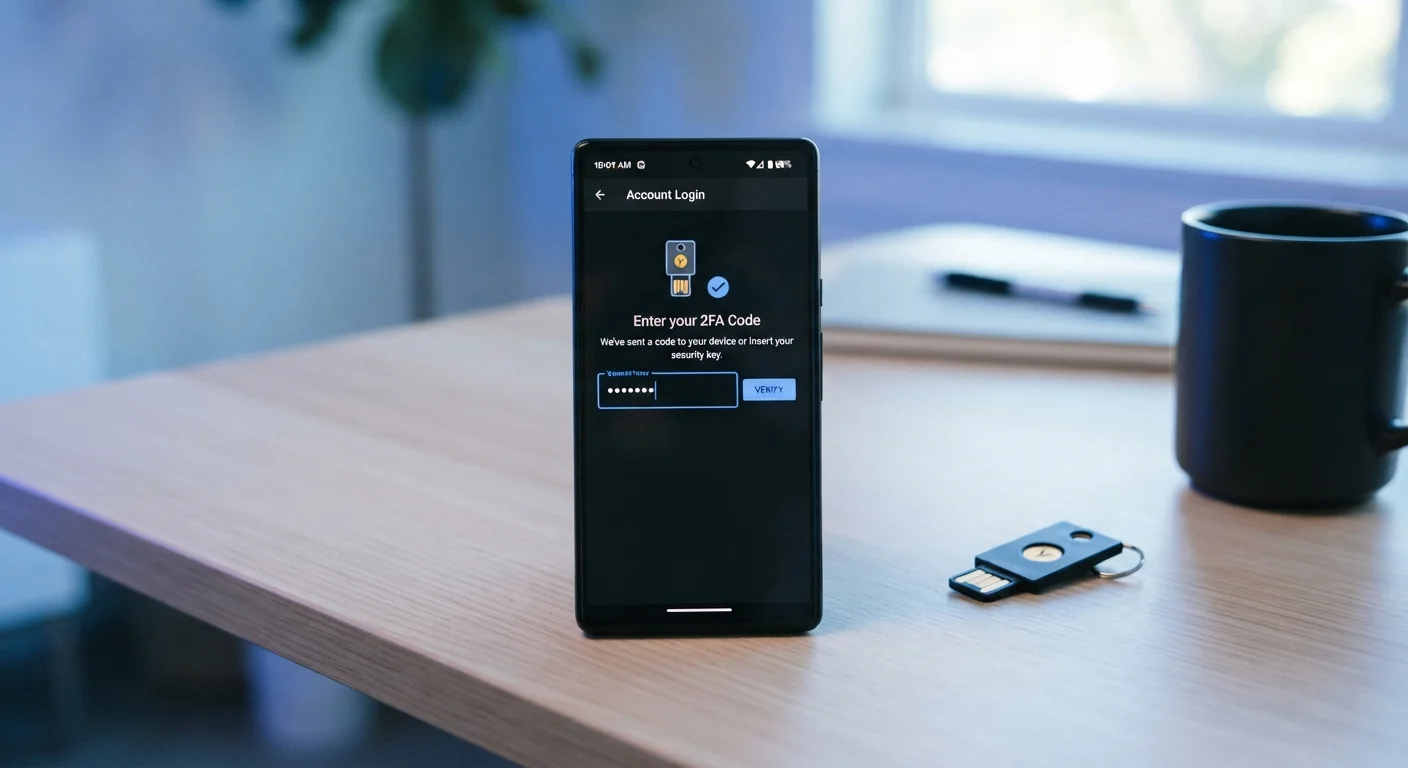
Physical devices - small USB or NFC tokens - that you plug in or tap against your phone to authenticate. They use public-key cryptography, meaning the key proves your identity to the website mathematically, without transmitting a code that could be intercepted or phished. Crucially, hardware keys are bound to the exact website domain, so even a convincing fake login page cannot capture a usable credential.
| SMS Codes | Authenticator Apps | Hardware Security Keys | |
|---|---|---|---|
| Setup effort | Minimal - just a phone number | Low - scan a QR code once | Moderate - requires physical device |
| Cost | Free | Free | Paid hardware required |
| Phishing resistance | Low - codes can be entered on fake sites | Medium - codes can still be phished | Very high - domain-bound by design |
| SIM-swap vulnerability | Yes - codes go to phone number | No - codes stay on device | No - no code transmitted |
| Works without internet | Requires mobile signal | Yes - codes generated offline | Yes - works locally |
| Recovery if device lost | Easy - tied to phone number | Needs backup codes or second device | Needs backup key or recovery codes |
Why SMS Is the Weakest Link
Many major platforms still default to SMS 2FA because it works for nearly every user with a mobile number. That convenience comes with real trade-offs. SIM-swapping fraud has been used to target both high-profile individuals and ordinary account holders. A successful swap gives an attacker everything they need to receive your SMS codes and reset account passwords.
SIM Swapping Is a Real Threat
SIM swapping occurs when an attacker contacts your mobile carrier and convinces them to transfer your number to a new SIM card. Once successful, they receive all SMS messages sent to your number - including 2FA codes. This type of attack requires no technical skill, only social engineering. If an account is important enough to protect with 2FA, it's important enough to protect with a method that doesn't rely on SMS.
If you currently rely on SMS 2FA for a banking app, email account, or any service holding personal data, switching to an authenticator app is a worthwhile upgrade. Many services allow you to switch in their security settings without disabling 2FA during the transition.
It's also worth pairing stronger 2FA with a robust password strategy. Password managers can help you maintain unique, strong passwords across all accounts - removing another common point of failure.
Choosing the Right Method for Your Situation
No single 2FA method suits everyone equally, and the right choice depends on your accounts, technical comfort, and how much risk you're managing.
80%+
Of hacking-related breaches use stolen credentials
According to Verizon's Data Breach Investigations Report, the large majority of hacking incidents exploit compromised passwords, making a second factor critical.
99%
Of automated attacks blocked by 2FA
Google's internal research indicated that adding a second authentication factor blocks nearly all automated account takeover attempts.
- SMS codes are a practical entry point if you're setting up 2FA for the first time and want zero additional setup. Even this level of protection significantly raises the difficulty of compromising an account.
- Authenticator apps are free to download and work offline. They're a meaningful upgrade that most users can make in under ten minutes per account. Look for apps that support encrypted backup in case you switch phones.
- Hardware keys require an upfront cost and are most practical for those who frequently log in from the same devices. They're particularly well-suited for email accounts, which are often the recovery route for every other account you own.
For a broader picture of how 2FA fits into your overall security posture, our end-to-end online safety guide covers passwords, phishing awareness, and device protection together. You can also find practical day-to-day habits in everyday habits that quietly strengthen your online security.
Whatever method you choose, activating 2FA on your most important accounts - email, banking, and social media - is a straightforward action that meaningfully reduces your exposure to account takeover.