What a Password Manager Actually Does
A password manager is an application that stores your login credentials - usernames, passwords, and sometimes other sensitive data - in an encrypted digital vault. When you visit a website or open an app, the manager can automatically fill in your details, removing the need to remember or type them manually.
Most password managers also include a password generator, which creates long, random passwords like gT7#mXq2!vLs that would be virtually impossible to guess. This directly addresses one of the most common security weaknesses: reusing the same password across multiple sites. As explained in our article on why reusing passwords creates chain-reaction risk, a single compromised site can unlock every account sharing that password.
Access to your vault is protected by a single master password - and increasingly, by biometric authentication such as a fingerprint or face scan.
The Case For Using a Password Manager
The strongest argument in favour of password managers is practical: they make good security habits achievable for ordinary people.
Enables truly unique passwords for every account
Because the manager remembers everything, there is no temptation to reuse a convenient password. Each account gets a randomly generated credential that stands alone.
Saves time with automatic form filling
Logging in becomes faster across devices - the manager detects the site and fills credentials instantly, reducing friction without sacrificing strength.
Zero-knowledge encryption protects your data
Reputable password managers encrypt your vault locally before syncing to their servers, meaning the provider cannot see or hand over your passwords even under legal pressure.
Alerts you when credentials are compromised
Many managers monitor known data breach databases and notify you if your email or a saved password appears in a leaked dataset, so you can act quickly.
Works across all your devices seamlessly
A vault synced to the cloud means your passwords are available on your phone, tablet, and laptop - without manually copying anything between them.
80%+
Of breaches involve weak or reused passwords
Verizon's Data Breach Investigations Reports consistently identify compromised credentials as the leading factor in data breaches across industries.
100+
Average accounts per person requiring passwords
Research by NordPass in their annual password studies estimates the typical internet user maintains over 100 password-protected accounts.
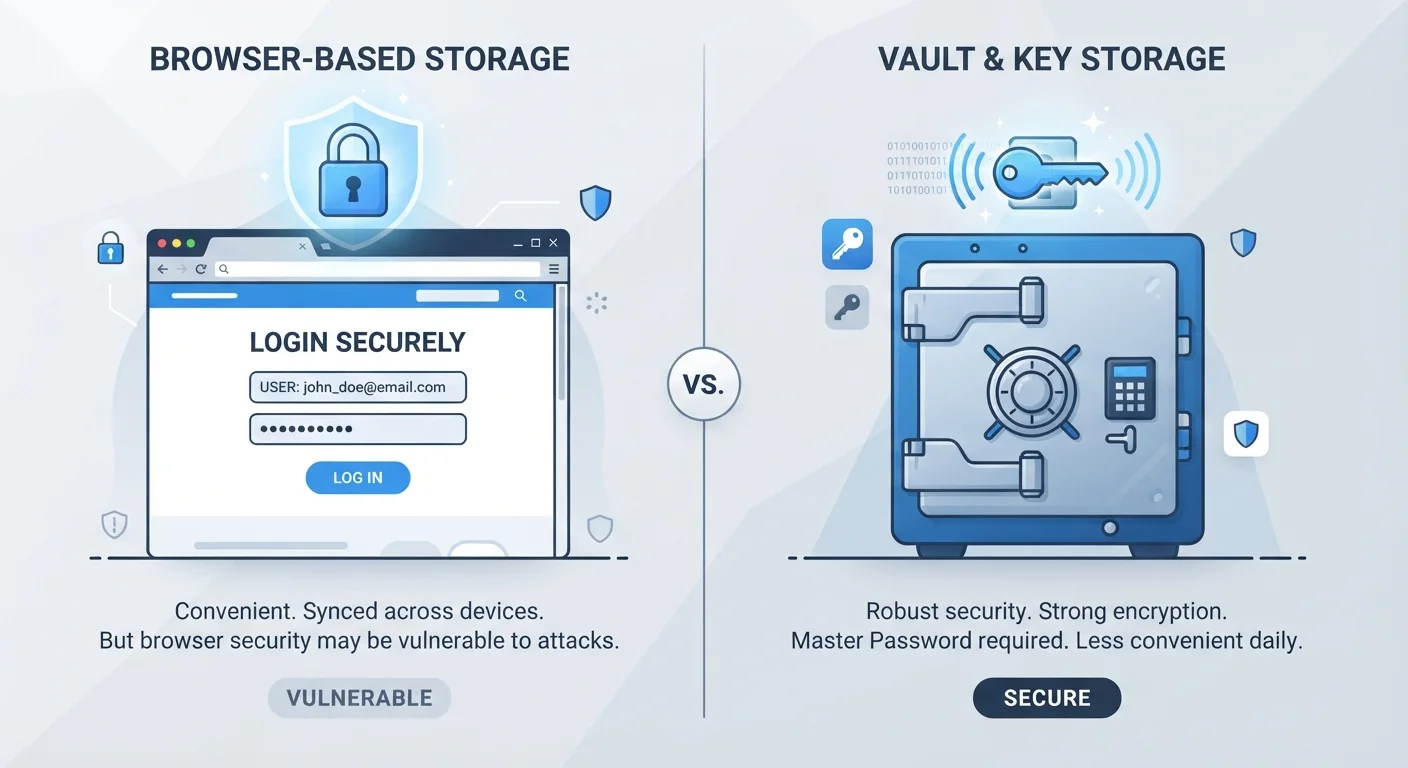
Beyond convenience, most established password managers use zero-knowledge encryption - a technical design where your vault is encrypted on your device before it ever reaches the provider's servers. This means the company itself cannot read your passwords, even if it wanted to. You can also access your credentials across multiple devices - phones, tablets, laptops - without manually syncing anything.
Compared to the alternative of browser-saved passwords, dedicated password managers generally offer stronger encryption, cross-browser support, and more granular security controls.
The Case Against - Real Risks to Weigh
Concentrating all your credentials in one place is a meaningful trade-off, not a trivial one. These are the most important concerns to understand before committing.
Single point of failure if vault is breached
If an attacker obtains both your master password and bypasses two-factor authentication, every stored credential is exposed at once. This scenario is rare but not impossible.
Master password loss can lock you out permanently
Zero-knowledge design means the provider cannot recover your data. If you forget your master password and have no recovery method, your vault may be unrecoverable.
The provider itself can be a target
Password manager companies are attractive targets for sophisticated attackers. While encryption limits the damage, past security incidents at major providers have shown this risk is not theoretical.
Requires trust in a third-party application
You are relying on the provider's security practices, update cadence, and business continuity. If the service shuts down or is acquired, migration planning becomes urgent.
Learning curve for less technical users
Setting up browser extensions, managing vault categories, and understanding recovery options can feel complex - especially during the initial transition from old habits.
When a Provider Is Breached: What It Means for You
Several well-known password manager providers have experienced security incidents. In most documented cases, encrypted vault data was exposed but not the master passwords needed to decrypt it - meaning users with strong master passwords and two-factor authentication were protected. However, these incidents highlight that no tool is risk-free. Reviewing the security track record and transparency reports of any provider you consider is a reasonable step before committing.
There is also a usability risk: if you forget your master password and lose your recovery method, you may be permanently locked out of your vault. Unlike a bank, most password managers cannot retrieve your data for you - that is, by design, a security feature.
How to Reduce the Risks If You Decide to Use One
The risks outlined above are real, but most can be meaningfully reduced with a few deliberate habits.
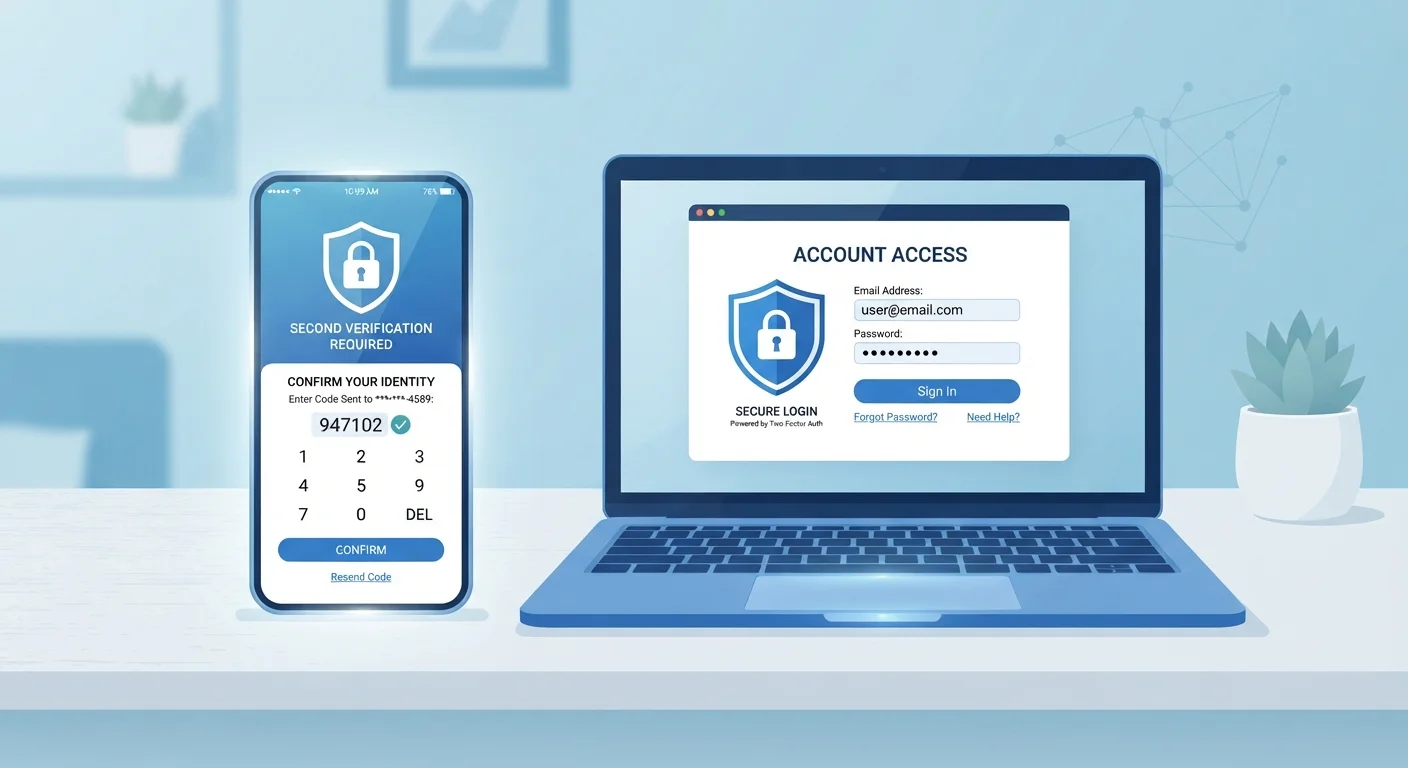
- Enable two-factor authentication (2FA) on your vault. Even if someone obtains your master password, they cannot open your vault without the second factor. Our guide to why one password is no longer enough explains how this second layer works.
- Store your master password or recovery kit securely offline. A written copy in a locked drawer is far better than losing access forever.
- Use a strong, unique master password - ideally a passphrase of four or more unrelated words - and never reuse it elsewhere.
- Keep the app updated. Security patches are released regularly; running an outdated version removes a layer of protection.
For a broader look at your overall digital hygiene, the personal data security audit checklist covers passwords alongside app permissions and account recovery settings. And if you want to extend these habits to your phone itself, see our guide on keeping your smartphone secure.