Why Passwords Alone Are No Longer Reliable
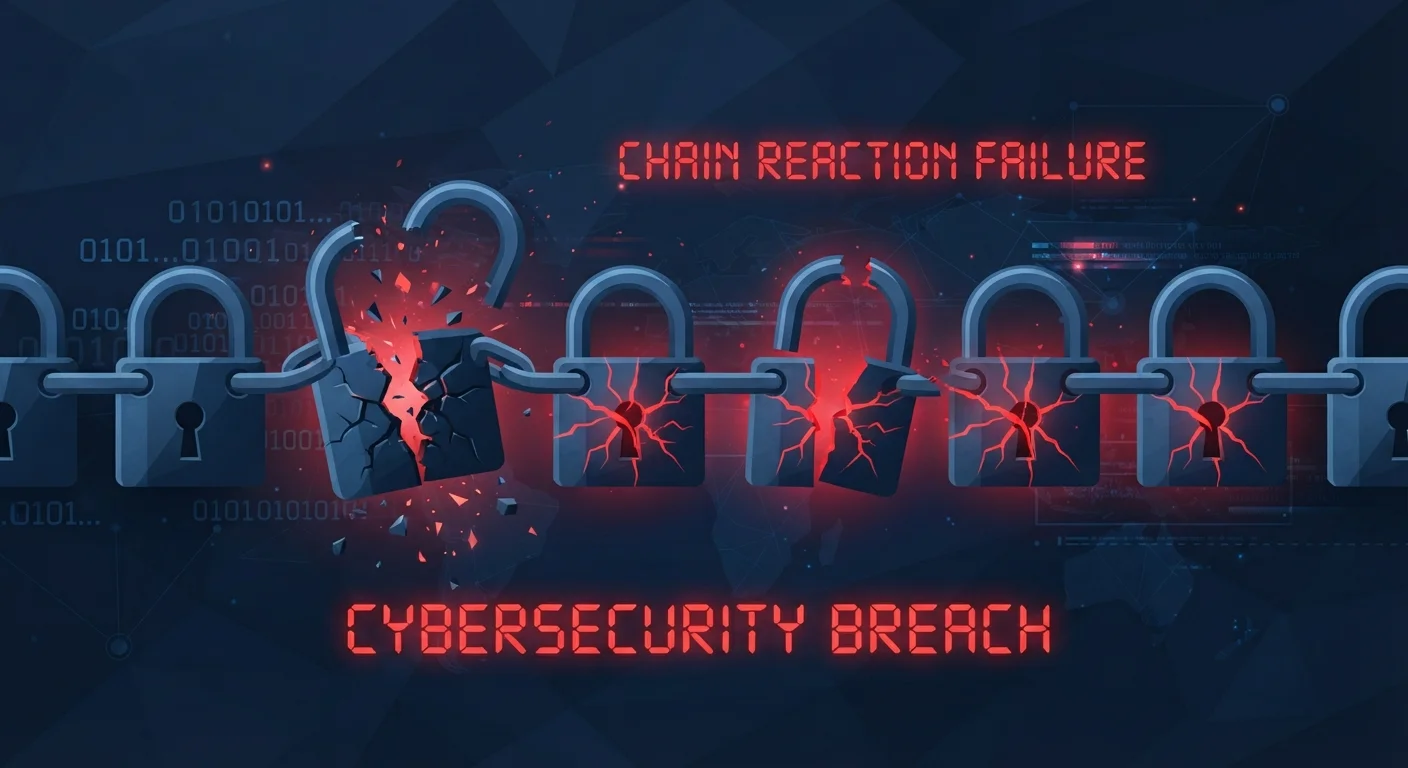
Passwords are compromised more often than most people realize. Data breaches expose millions of login credentials every year, and attackers routinely test stolen username-password combinations across dozens of services automatically. If you reuse passwords - a very common habit - a breach on one site can unlock accounts elsewhere. Understanding how that chain reaction works is a useful starting point for anyone reviewing their login habits.
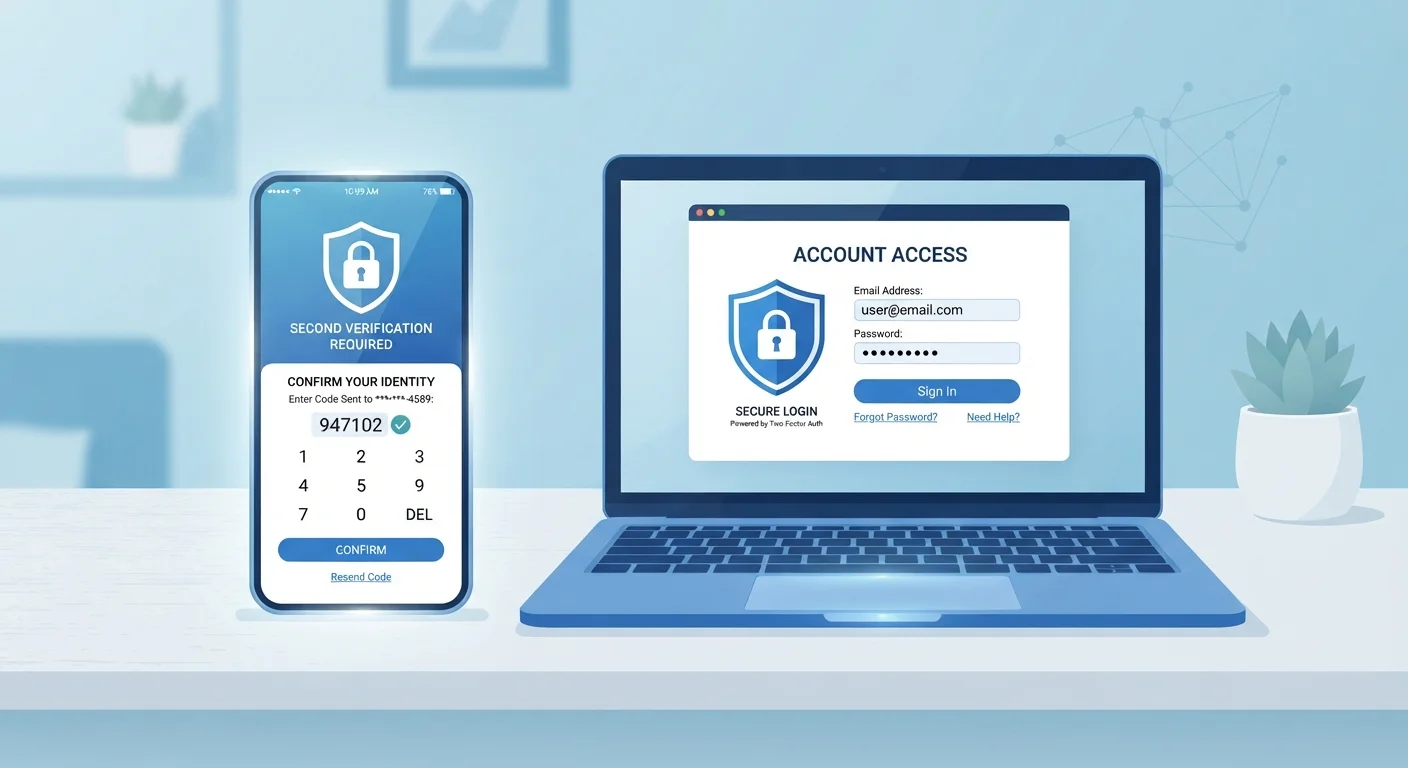
The fundamental problem is that a password is a single secret. Once it is known - whether through a breach, a phishing email, or even someone watching over your shoulder - the account is open. Two-factor authentication changes that equation entirely by requiring a second, independent proof of identity.
99.9%
Of automated account attacks blocked by MFA
Microsoft has reported that multi-factor authentication blocks over 99.9% of automated credential-stuffing and password-spray attacks.
80%+
Of breaches involving stolen or weak credentials
Verizon's Data Breach Investigations Report has consistently found that a large majority of hacking-related breaches involve compromised passwords.
How Two-Factor Authentication Actually Works
The process is straightforward. When you log in with 2FA enabled, you enter your password as usual. The service then asks for a second piece of verification before granting access. That second step is typically one of three things:
- A time-sensitive code sent by SMS to your phone number
- A code generated by an authenticator app such as those available for Android and iOS
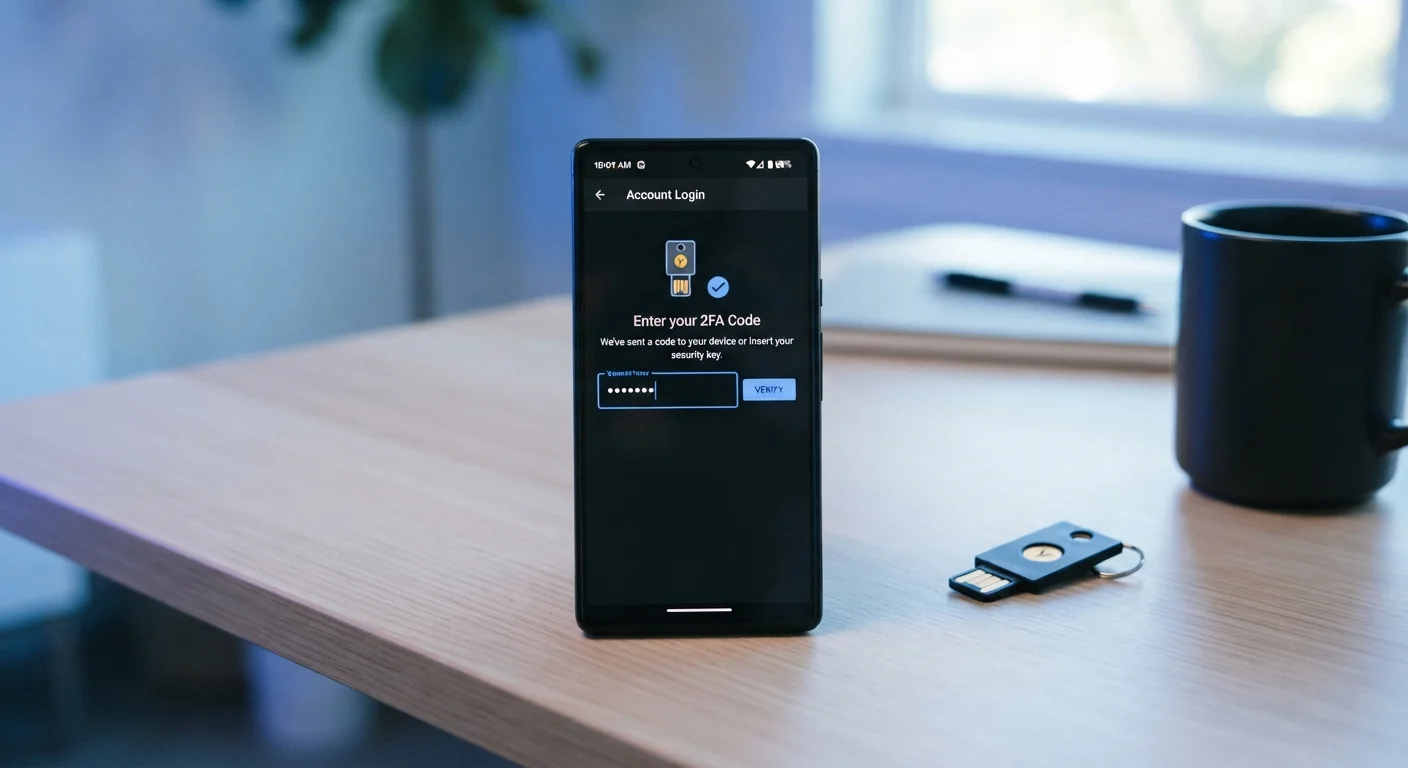
- A hardware security key - a small physical device you plug in or tap
Each method has different strengths. Authenticator apps generate codes that expire every 30 seconds and work without a mobile signal, making them more resilient than SMS. For a deeper look at how these methods compare, see why one 2FA method is safer than another.
Start With an Authenticator App
If you are new to 2FA, an authenticator app is a practical first choice for most accounts. These apps work offline, generate codes that expire quickly, and are available at no cost for both Android and iOS devices. Look for the option to scan a QR code during setup - it is the fastest method.
Where to Enable It First
Not every account carries equal risk, so it helps to prioritize. Your primary email address is the most important account to secure with 2FA. Because email is used to reset passwords elsewhere, anyone with access to your inbox can effectively take over most of your other accounts. Online banking and financial services are the next priority.
Beyond that, consider any account that stores payment details, personal identification, or sensitive communications. Many social media platforms, cloud storage services, and shopping accounts now offer 2FA as well.
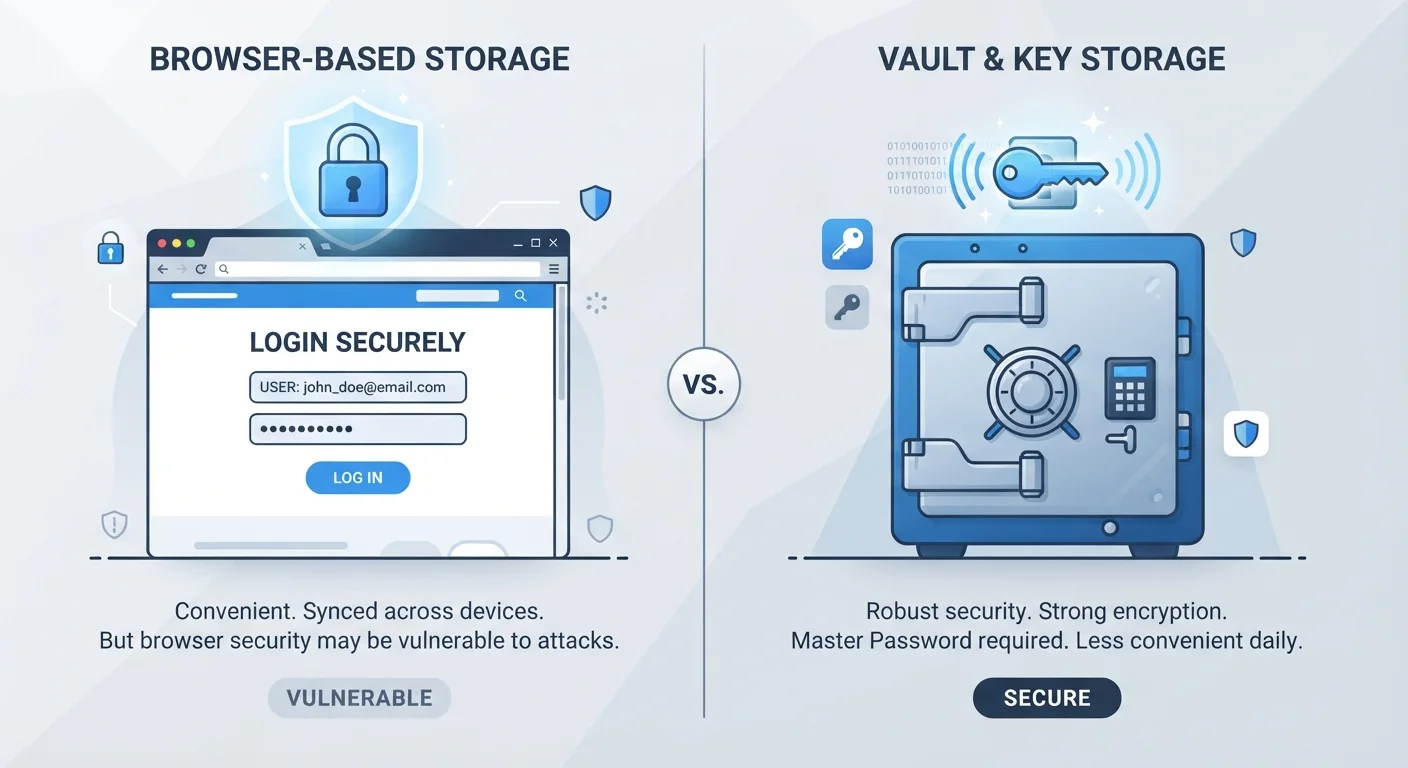
If managing multiple strong passwords feels cumbersome alongside 2FA, it is worth exploring dedicated tools. Comparing password managers with browser-saved passwords can help you decide what approach fits your needs. For broader smartphone security habits, practical smartphone security guidance covers how 2FA fits into an overall approach.
Setting Up 2FA: What to Expect
Enabling two-factor authentication typically takes less than five minutes. Look for it under the security or privacy settings of whichever service you are configuring. The setup process usually involves:
- Choosing your preferred second factor (app, SMS, or key)
- Scanning a QR code with an authenticator app, or entering your phone number
- Confirming with a test code to verify the setup worked
- Saving backup codes in a secure location - a printed copy stored somewhere safe works fine
Once active, most services will only prompt for the second factor when you log in on a new device or after a long period. Everyday use on a trusted device remains smooth. The small added step at setup pays off in substantially reduced risk.
2FA Is Not Completely Infallible
Sophisticated attacks - such as real-time phishing pages that relay both your password and 2FA code simultaneously - can sometimes bypass standard 2FA. Hardware security keys are designed to resist even these attacks, but for most everyday accounts, an authenticator app provides a very strong and practical level of protection. No single measure eliminates all risk, but 2FA dramatically raises the effort required from an attacker.