What Privacy Settings Actually Control
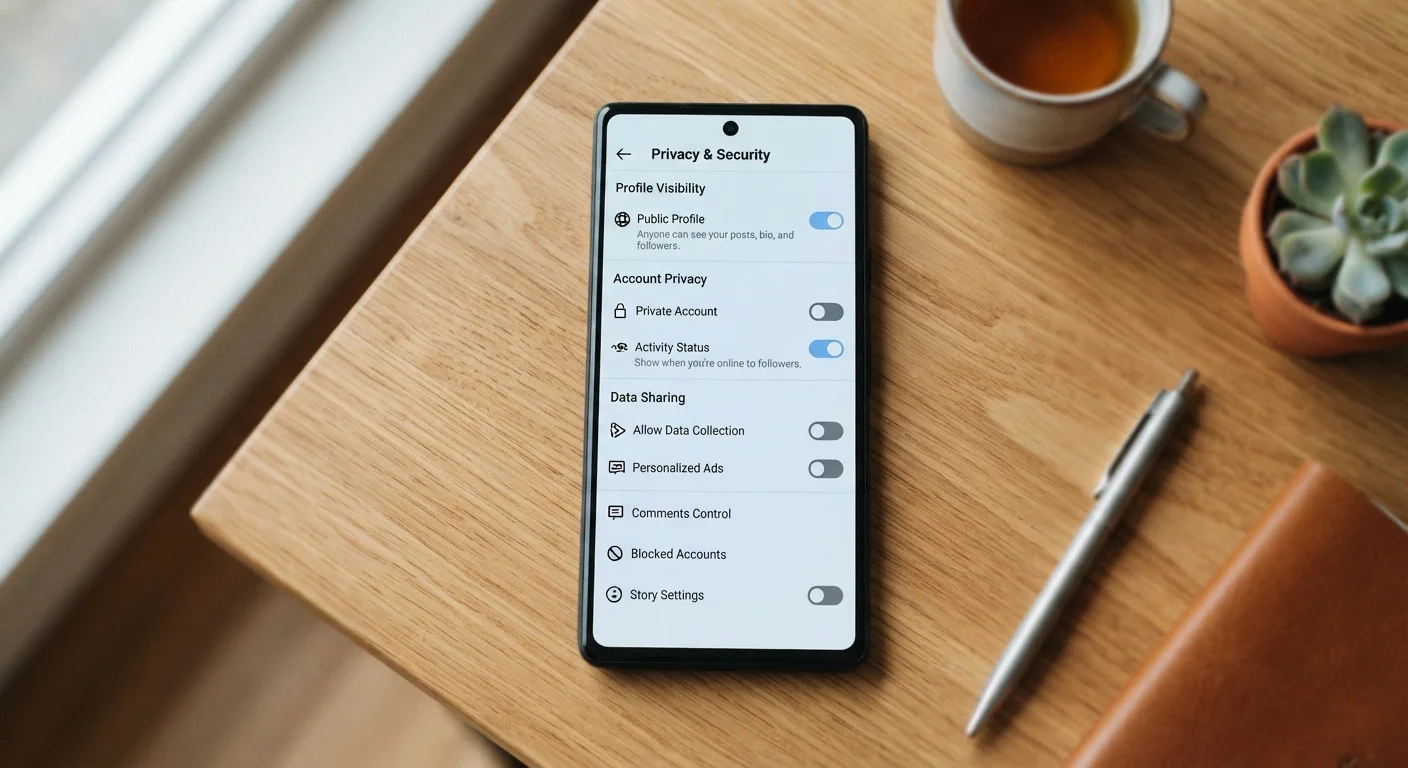
When you change a post to Friends Only or lock down your profile, you are adjusting audience visibility - the rules that govern which other users can see your content. That is a meaningful control, but it is only one layer of a much larger picture.
Social media platforms operate on two parallel tracks. The first is the social layer: who can follow you, comment on your posts, or search for your profile. Privacy settings live here. The second is the data layer: what information the platform collects about you, how it stores it, and how it uses it to serve advertising or train recommendation algorithms. Your visibility settings have almost no influence on the second track.
In practical terms, this means a post shared with friends only is still fully visible to the platform. It can still inform what ads you see, what content is recommended to you, and what data is stored in your profile. The audience you chose applies to other users - not to the company running the platform.
GDPR Gives European Users Extra Rights
If you use social media from within the European Union or European Economic Area, the General Data Protection Regulation (GDPR) gives you specific rights that go beyond what privacy settings offer. These include the right to access all data a platform holds about you, the right to have it deleted, and the right to object to certain types of automated processing. Each major platform is required to provide tools to exercise these rights.
The Hidden Gaps: Third-Party Apps and Metadata
Two blind spots catch most users off guard. The first is connected third-party apps. When you use your social media login to sign into a quiz, game, or external service, you typically grant that app permission to read parts of your profile - sometimes including data about your friends. Your privacy settings on the social platform rarely restrict what those authorized apps can access.
The second blind spot is metadata. Even with strict visibility settings, platforms collect data about how you use the service: what you click on, how long you pause on a video, what you type and then delete, and which device and network you used. This behavioral data is often more commercially valuable than the content of your posts, and privacy settings do not touch it.
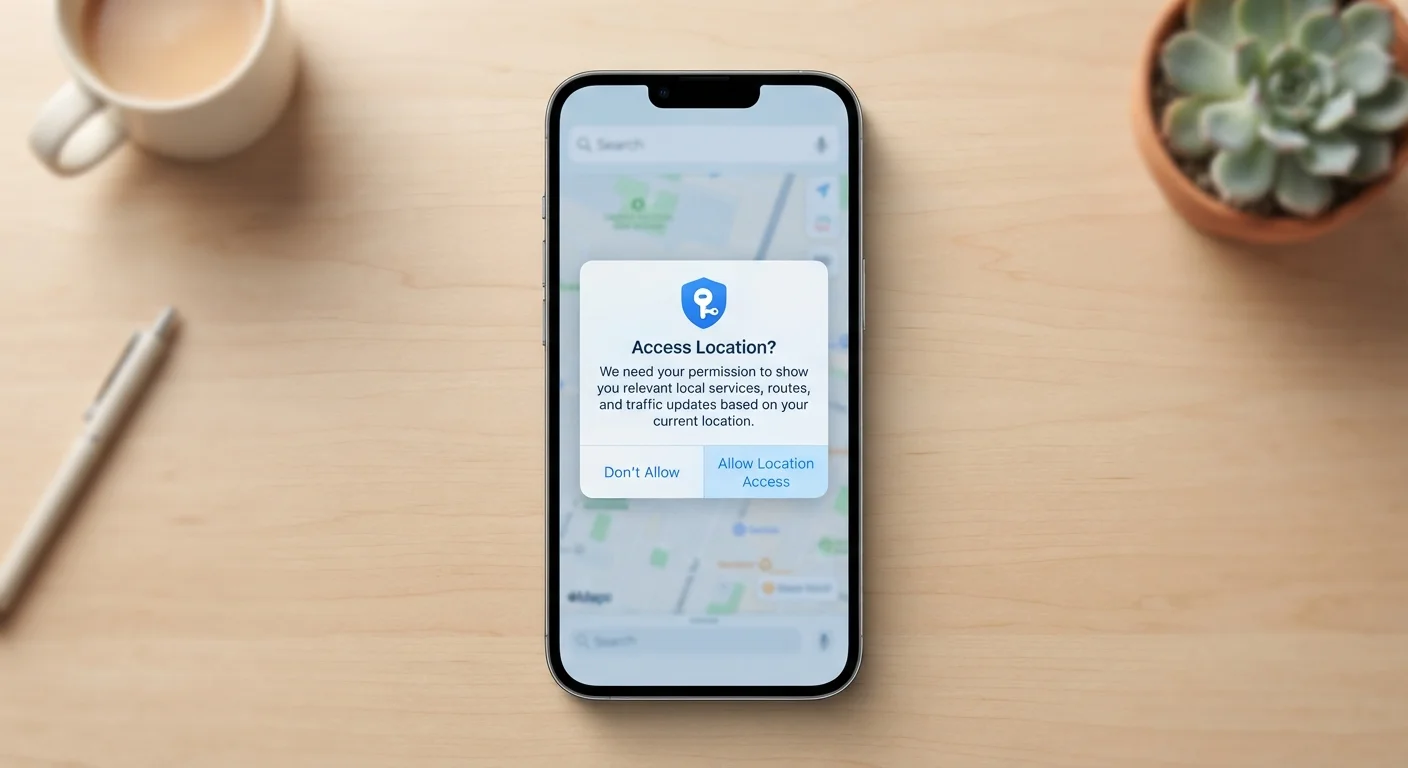
For a broader look at how apps request and use sensitive data beyond social media, see what app permissions actually grant.
72%
Adults who feel they have little control over their data
According to Pew Research Center surveys on internet and technology, a large majority of adults express concern that they have little meaningful control over how companies use their personal data.
3rd party
App access often bypasses social privacy settings
Platform documentation from major social networks confirms that authorized third-party apps can access user data independently of that user's audience visibility settings.
What You Can Do That Actually Makes a Difference
Understanding the limits of privacy settings is not a reason to give up on them - it is a reason to use them more strategically alongside other steps.
- Audit connected apps regularly. Go to your account settings and revoke access for any third-party app you no longer recognize or use. This is one of the highest-impact actions you can take.
- Limit data used for ad targeting. Most platforms include a separate section - often labeled Ad Preferences or Data Settings - where you can restrict how your activity is used to personalize ads. This is distinct from audience settings.
- Use platform-provided data tools. Under GDPR, users in Europe can request a full download of their data and submit deletion requests. These tools are usually found under Settings > Privacy or Settings > Your Data.
- Be selective about what you post. No setting can retroactively protect information you have already shared. Treat every post as potentially permanent, regardless of its current audience setting.
For a structured way to assess your overall data exposure, a personal data security audit covers passwords, permissions, and account recovery in one practical checklist.
Check Your Ad Preferences Settings
Most major platforms have a dedicated section for ad and data preferences that is separate from your general privacy settings. Look for labels like 'Ad Settings,' 'Data About Your Activity,' or 'Off-Platform Activity.' Adjusting these can limit how your behavior outside the platform is used to target you - something your audience visibility settings cannot do.
It is also worth revisiting common assumptions about online privacy more broadly. Separating online privacy myths from evidence can help clarify what tools like incognito mode or VPNs actually do - and do not - protect.