Why App Permissions Matter
When you install an app, it typically asks for access to parts of your phone it needs to function - your camera, location, contacts, or microphone. These requests are called permissions, and each one grants the app a specific window into your device and personal data.
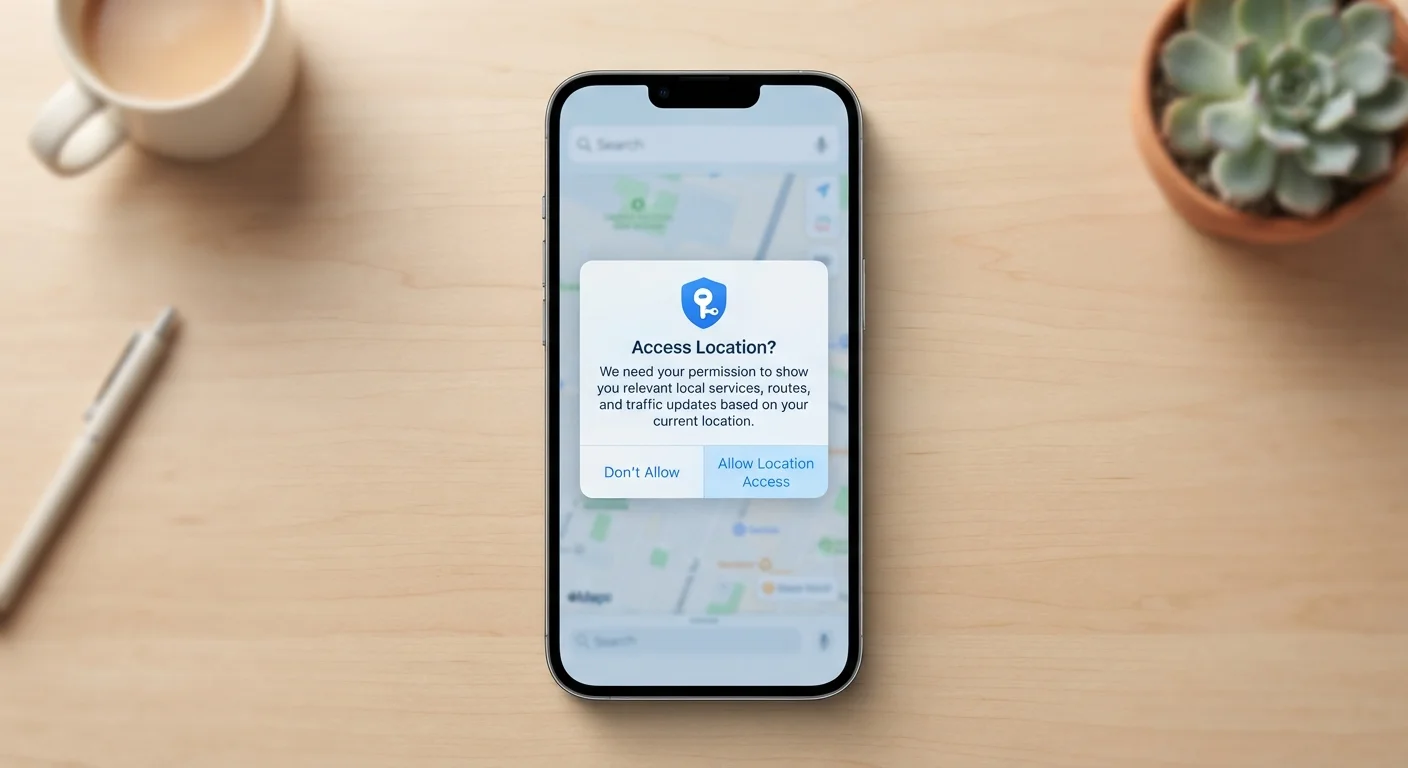
The problem is that most people tap "Allow" without a second thought. That's understandable: the pop-up appears right when you're trying to use something new. But some permissions are genuinely essential, while others are optional at best - or questionable at worst.
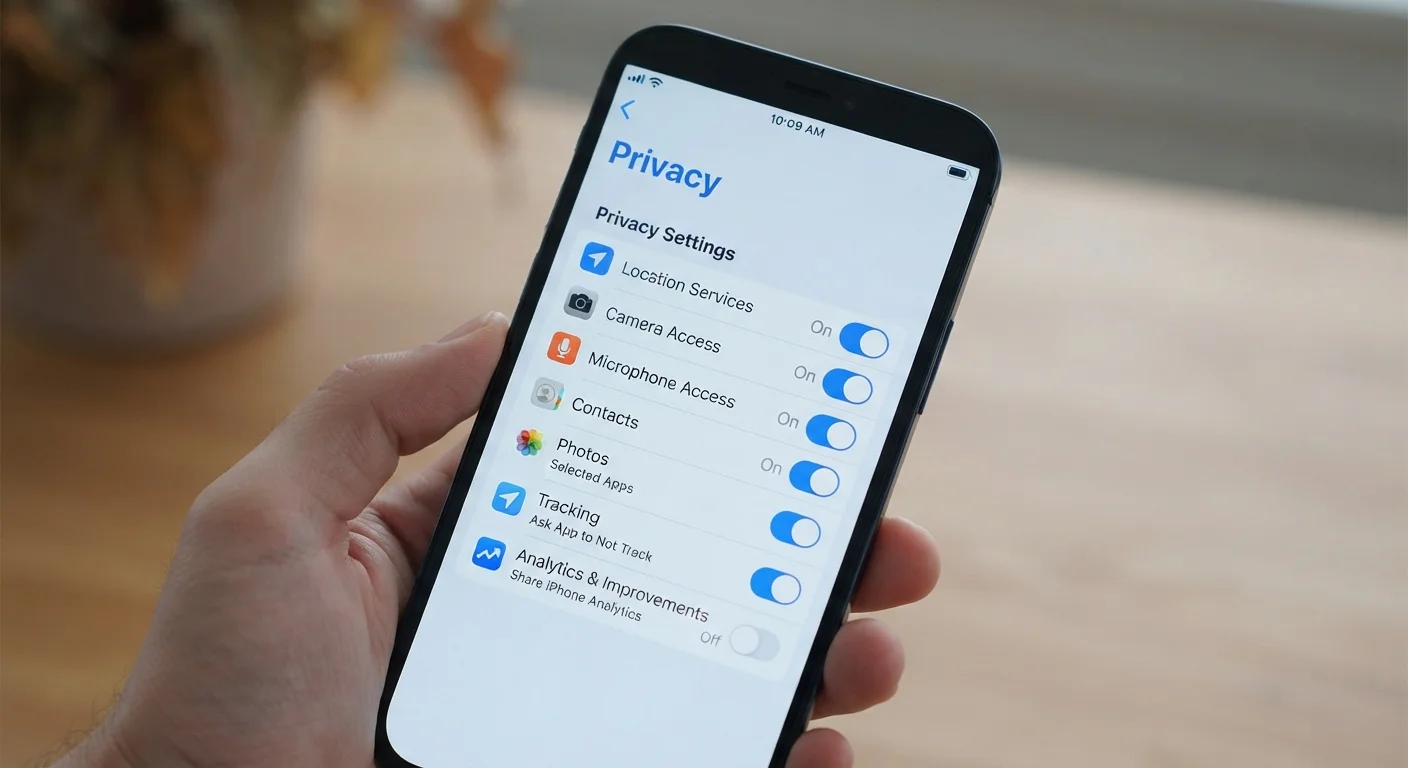
Understanding what each permission actually accesses helps you make an informed choice rather than a reflexive one. You can also revisit past decisions - both Android and iOS let you review and revoke permissions at any time in your phone's settings. For a broader look at settings worth reviewing, see our guide to app privacy settings most people skip.
| Permission types on Android | Normal and Dangerous (runtime) (Android developer documentation) |
| Where to review permissions on iOS | Settings > Privacy & Security (Apple Support documentation) |
| Where to review permissions on Android | Settings > Apps > [App Name] > Permissions (Android documentation) |
| Can you deny a permission later? | Yes - revoke anytime via device settings |
| Most sensitive permission combination | Location + Contacts + Microphone (General digital privacy guidance) |
The Most Common Permissions Explained
Here's what each major permission category actually gives an app access to:
- Location
- Allows the app to read your device's GPS coordinates, Wi-Fi positioning, or network-based location. Navigation and weather apps need this. A recipe app probably doesn't. Watch for "Always" vs. "While Using" - granting always-on access means the app can track your movements even when closed.
- Camera
- Grants the app the ability to activate your camera and capture photos or video. Legitimate uses include scanning QR codes or video calls. Be cautious if a utility app with no obvious camera function requests this.
- Microphone
- Lets the app record audio through your phone's microphone. Voice assistants and call apps clearly need it. If a shopping or game app requests microphone access without a clear reason, that warrants scrutiny.
- Contacts
- Gives the app read (and sometimes write) access to your entire address book, including names, phone numbers, and email addresses. Messaging apps may need this to find your connections; most other apps do not.
- Storage / Files
- Allows the app to read or write files on your device. Photo editors need this; it's less obvious why a flashlight app would.
- Notifications
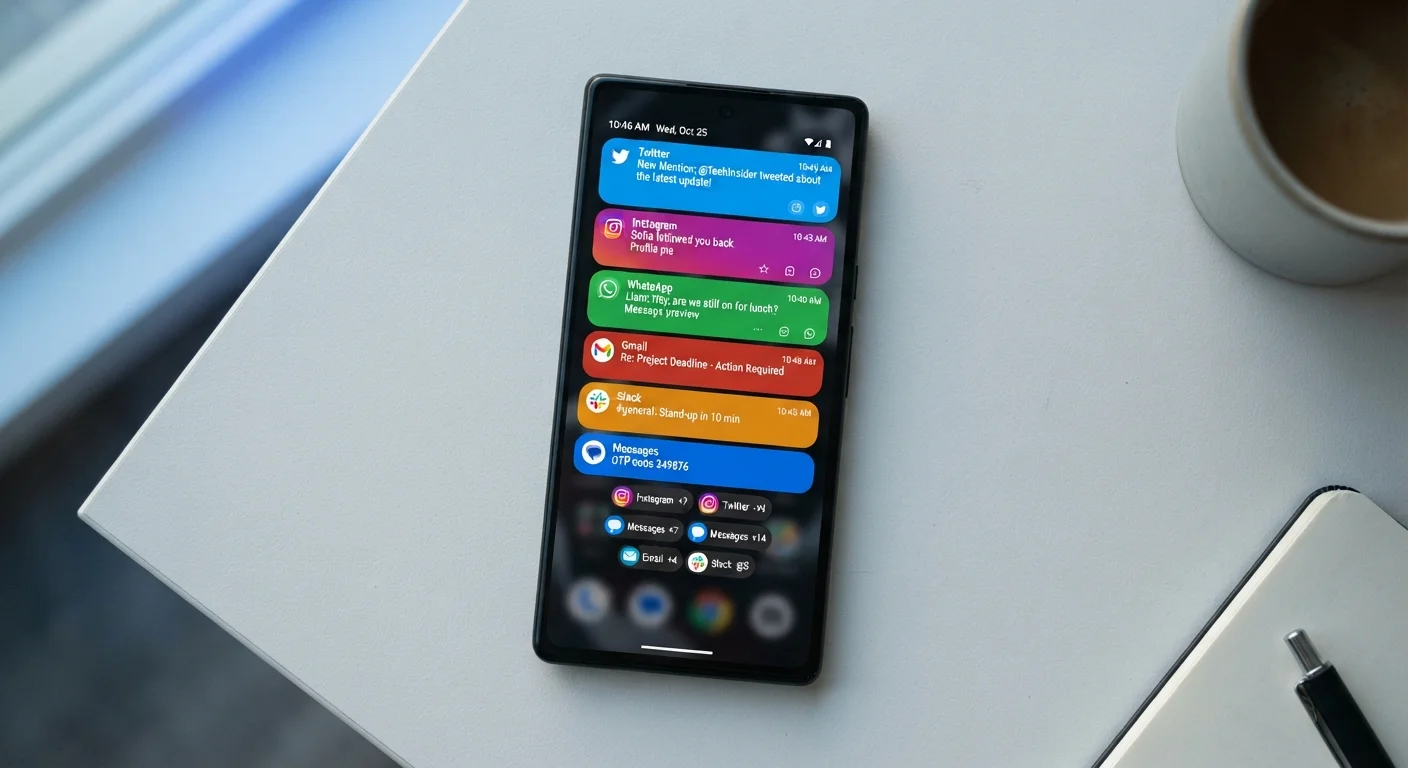
- Lets the app send you alerts. This doesn't expose personal data, but it affects your attention and battery life. See how to manage notification overload for practical steps.
Runtime permission
A permission that Android or iOS asks for at the moment the app needs it, rather than at install time. You can grant or deny it in real time.
Always-on location
A location access setting that allows an app to read your position even when the app is running in the background or closed entirely.
Permission scope
The range of data or device features a single permission actually covers. For example, Contacts access typically includes all stored names, numbers, and email addresses.
Background access
The ability of an app to continue operating - and using granted permissions - even when the app is not visibly open on screen.
Red Flags and Reasonable Requests
A permission isn't inherently suspicious - context is everything. A mapping app requesting location access makes sense. A simple calculator requesting the same does not.
Ask yourself one question before tapping Allow: Does this app need this to do what I installed it for? If the answer isn't obvious, deny the permission and see if the app still works. In many cases, the core function runs fine without it.
Some permissions are particularly sensitive because of what they reveal:
- Location + Contacts combined can build a detailed picture of your social network and daily movements.
- Microphone + Background access is a combination worth being especially careful about, since it raises the theoretical possibility of passive audio capture.
- Contacts on social apps often means your friends' data is uploaded to a third-party server - data that isn't yours to share without their knowledge.
If you've already installed apps without scrutinising their permissions, it's worth doing a quick review. This is one of the most practical steps in a broader personal data security audit.
Both Android and iOS Support Granular Control
You don't have to choose between full access and deleting the app. Both major operating systems allow partial permissions - for example, sharing only your approximate location rather than your precise GPS coordinates. On iOS, you can also grant one-time access instead of permanent permission. It's worth exploring these middle-ground options before declining or accepting outright.
Also worth knowing: deleting an app removes it from your device, but not necessarily the data it already collected. Our article on what data actually gets removed when you delete an app explains what lingers.