Why Basic Habits Matter More Than Advanced Tools
Most smartphone security breaches don't happen because attackers used sophisticated techniques. They happen because common, easy-to-fix gaps - a weak PIN, no second login step, outdated software - were never addressed. You don't need deep technical knowledge to close those gaps. What matters is understanding which settings actually make a difference and building a short routine around them.
This article focuses on practical, verifiable steps. For a broader view of digital security habits beyond your phone, see our guide on everyday habits that quietly strengthen your online security.
These Steps Work on Any Smartphone
Whether you use an Android device or an iPhone, every practice in this article applies to both platforms. The exact menu names differ slightly, but the underlying settings exist on all modern smartphones. If you struggle to locate a specific setting, searching your phone's built-in help function with the setting name usually gets you there quickly.
Six Practices That Meaningfully Reduce Risk
The following practices are recommended by security researchers and consumer protection agencies. None require technical expertise - only a few minutes of setup and occasional upkeep. To understand more about what happens when apps request access to your data, see Smartphone Permissions Decoded.
Use a PIN of at least six digits - or better, a passphrase - instead of a four-digit code or swipe pattern.
Four-digit PINs have only 10,000 possible combinations, which automated tools can cycle through quickly if a device is compromised. A six-digit PIN raises that to one million combinations, and a short passphrase is stronger still. Swipe patterns are often visible as smudges on screen.
Enable two-factor authentication (2FA) on every account that supports it, prioritizing email, banking, and social media.
Even if a password is exposed in a data breach, 2FA requires a second verification step that an attacker is unlikely to have. This single step blocks the majority of credential-based account takeovers. An authenticator app provides stronger protection than SMS codes.
Install apps exclusively from your platform's official store - Google Play for Android, the App Store for iPhone.
Apps distributed outside official stores bypass the security review processes that catch known malware. Unofficial app files (called APKs on Android) can be modified to include harmful code that steals data or monitors activity without your knowledge.
Keep your phone's operating system and all apps updated promptly.
Software updates frequently contain patches for security vulnerabilities that have been discovered since the last release. Delaying updates leaves known weaknesses in place. Enabling automatic updates removes the need to remember this step.
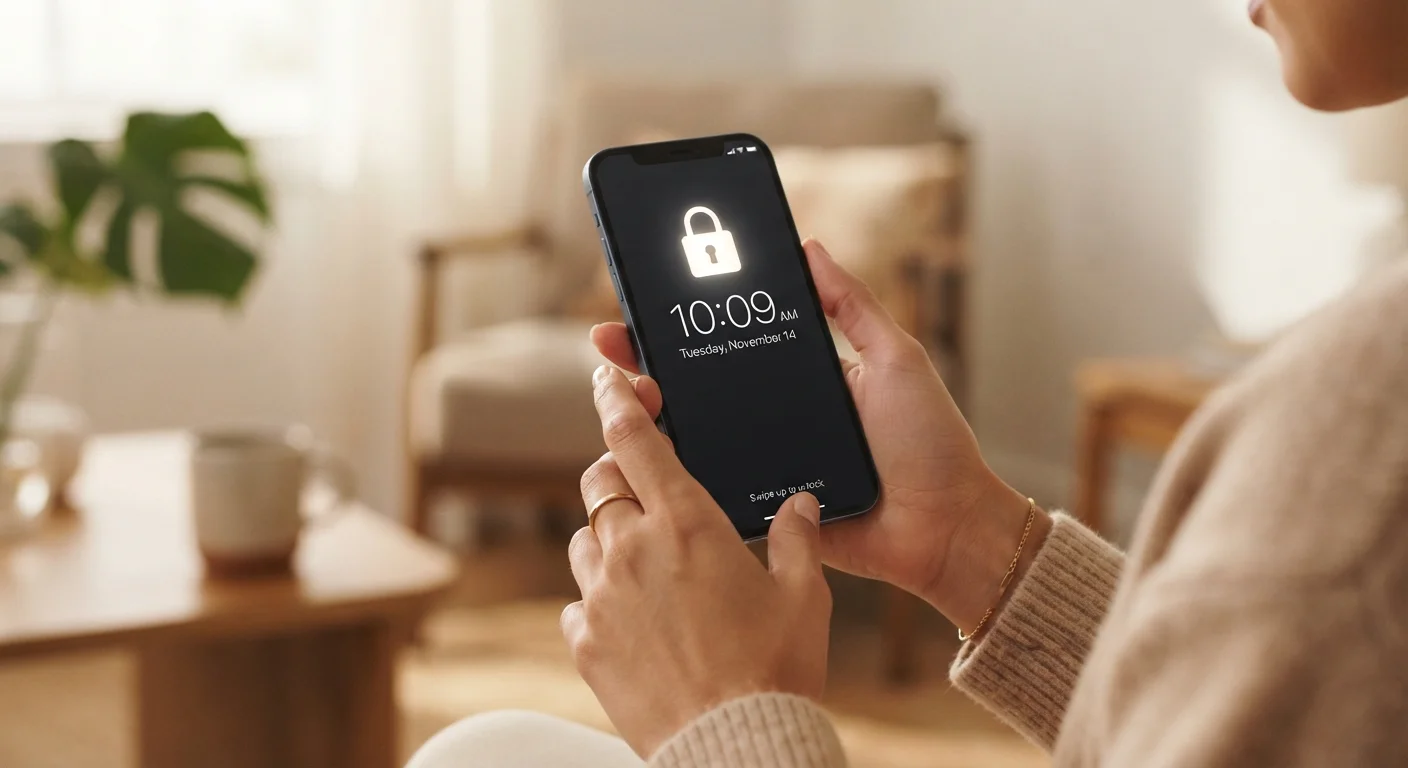
Review your lock screen notification settings so sensitive content does not appear while your phone is locked.
By default, many phones display full message previews on the lock screen, meaning anyone who picks up your phone can read incoming texts, emails, or banking alerts without unlocking it. Changing this to show only the sender's name - or hiding notifications entirely - protects that information.
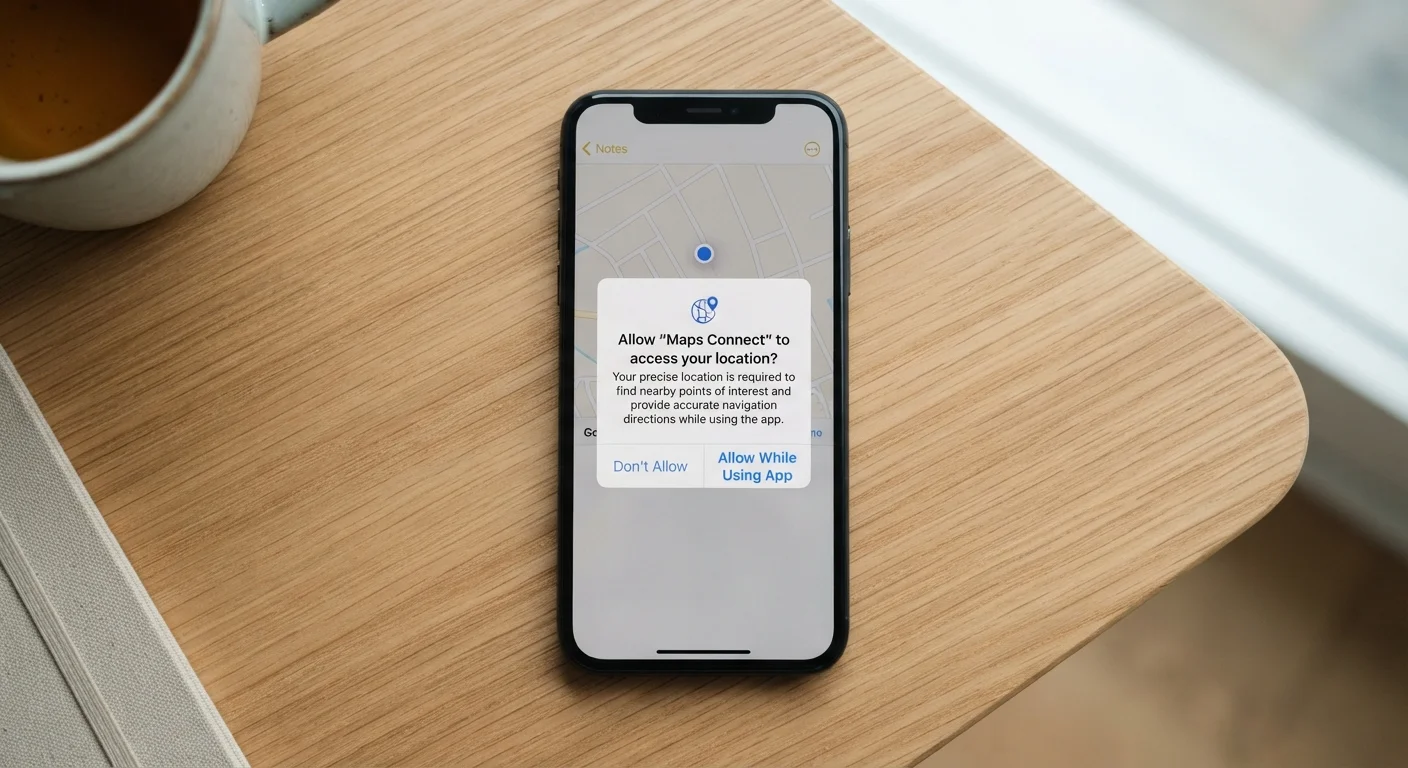
Audit app permissions regularly and revoke any that seem unnecessary for the app's core function.
Apps sometimes request access to your microphone, location, or contacts when those permissions add no obvious value to the service. Unused permissions are a data exposure risk that delivers no benefit. Reviewing them periodically takes only a few minutes.
Start Today: Four Quick Actions
If you want to act immediately rather than work through everything at once, these four changes deliver the highest impact with the least friction. Each takes only a few minutes and requires no technical background.
For a more structured review of your overall account and device security posture, the Personal Data Security Audit offers a useful checklist format. And if you ever share, lend, or send your phone for repair, check Before You Hand Over Your Phone before you do.
Use Your Phone's Built-In Security Check
Both Android and iPhone include a built-in security or privacy dashboard that summarizes your current settings in one place. On Android, look for 'Security & privacy' in Settings. On iPhone, check under 'Privacy & Security'. Running through this dashboard occasionally surfaces settings you may have forgotten to configure.
Two-Factor Authentication: Worth Understanding Properly
Two-factor authentication - often shortened to 2FA or called MFA - means that logging into an account requires not just your password but a second confirmation, typically a code generated by an app or sent by text message.
80%+
Of breaches involving stolen or weak credentials
Verizon's Data Breach Investigations Report has consistently found that the majority of hacking-related breaches involve compromised credentials, underlining the value of strong authentication.
99.9%
Of automated attacks blocked by MFA
Microsoft research has indicated that enabling multi-factor authentication can block the vast majority of automated account-compromise attacks.
Not all 2FA methods carry the same level of protection. SMS-based codes (sent by text) are more convenient but can be intercepted in certain attack scenarios. Authenticator apps generate codes locally on your device and are generally considered more robust. For a detailed comparison of methods, see Two-Factor Authentication: What It Is and Why One Method Is Safer Than Another.
“Security is always going to be a cat-and-mouse game, but making yourself a harder target than the average user is a surprisingly achievable goal with very basic steps.”
— Bruce Schneier, Security technologist and author on cryptography and cybersecurity