How One Breach Becomes Many
When a website suffers a data breach, the stolen usernames and passwords rarely stay idle. Criminals sell or share these credential lists on underground forums within days - sometimes hours. Automated software then runs what security professionals call credential stuffing: systematically testing each stolen username and password pair against popular services like email providers, banking apps, and online shops.
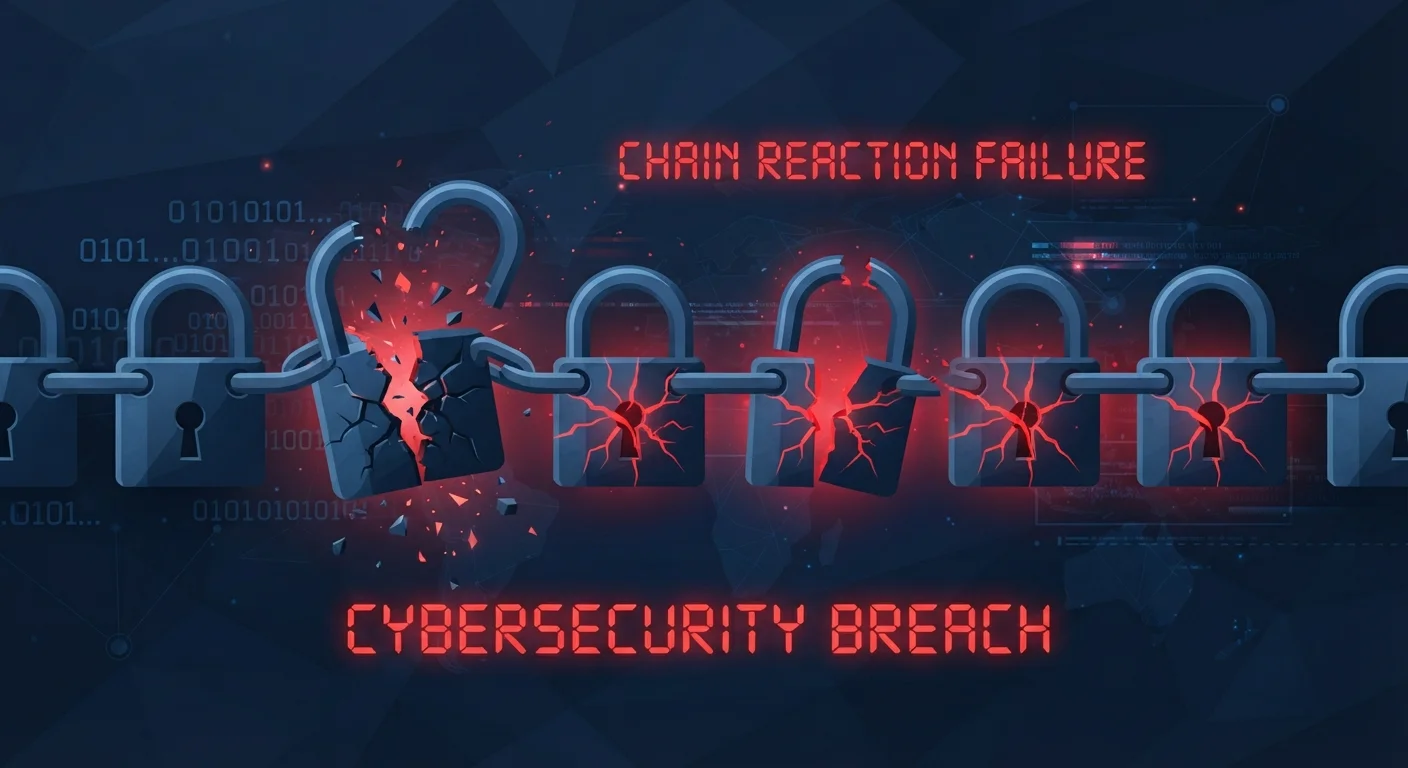
If you used the same password on the breached site as you did on your email account, that test takes less than a second to succeed. From there, an attacker who controls your email can trigger password resets on virtually every other service tied to it. One weak link collapses the whole structure.
85%
Of breaches involving stolen credentials
Verizon's Data Breach Investigations Report consistently identifies stolen or reused credentials as a factor in the large majority of hacking-related breaches.
Billions
Credential pairs available on dark web markets
Security researchers at SpyCloud have reported that billions of username-password combinations from past breaches circulate in underground markets, ready for automated testing.
This is the chain reaction the article title refers to - not a metaphor, but a literal, automated process that scales across millions of accounts simultaneously. The breach of a small forum you signed up for years ago can open the door to your bank account today.
Common Mistakes That Amplify the Risk
Using the same password across multiple accounts, even when only minor variations are made (e.g. adding "1" or "!" at the end).
Why it happens: People naturally seek convenience, and a single memorable password feels manageable. Minor tweaks give a false sense of uniqueness without meaningfully increasing security.
Ignoring breach notification emails or alerts from services like HaveIBeenPwned.
Why it happens: Notification emails can look like spam, and many people assume breaches only affect others or that old credentials are no longer useful.
Storing passwords in plain text - in notes apps, spreadsheets, or browser autofill without evaluating the security trade-offs.
Why it happens: It feels practical and accessible. Many people are unaware that notes apps and simple spreadsheets offer no encryption for stored credentials.
Skipping two-factor authentication because it feels inconvenient, leaving accounts protected only by a password.
Why it happens: The extra login step feels like friction, and many users don't enable 2FA unless it is required by default.
Never auditing old accounts, leaving dormant profiles with reused passwords active across the web.
Why it happens: Out of sight, out of mind - unused accounts are forgotten rather than deleted, yet they remain valid targets in a credential-stuffing attack.
Building Safer Password Habits
The solution is straightforward in principle: every account needs a password that exists nowhere else. In practice, most people resist this because memorising dozens of complex, unique passwords feels impossible - and it genuinely is, without help.
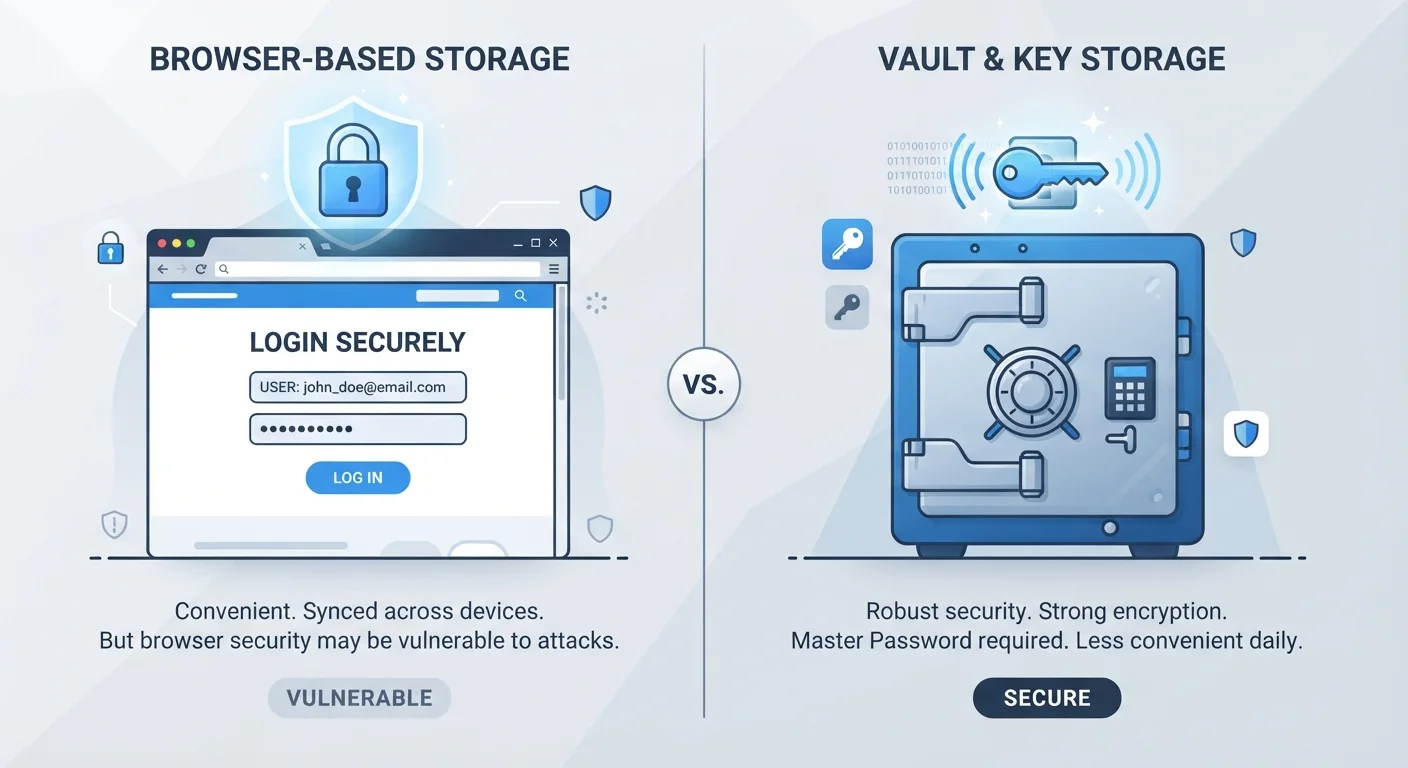
A password manager (a dedicated app that generates and stores strong passwords for you) removes that obstacle entirely. You remember one strong master password; the app handles the rest. For a detailed comparison of your storage options, see Password Managers vs. Browser-Saved Passwords.
Browser Password Storage Has Limits
Saving passwords in your browser is convenient, but if your device is compromised or someone accesses your browser profile, all stored credentials can be exposed at once. Browser-saved passwords also typically lack breach-monitoring features and encrypted vault protection found in dedicated password managers. Consider whether the convenience trade-off suits your risk level.
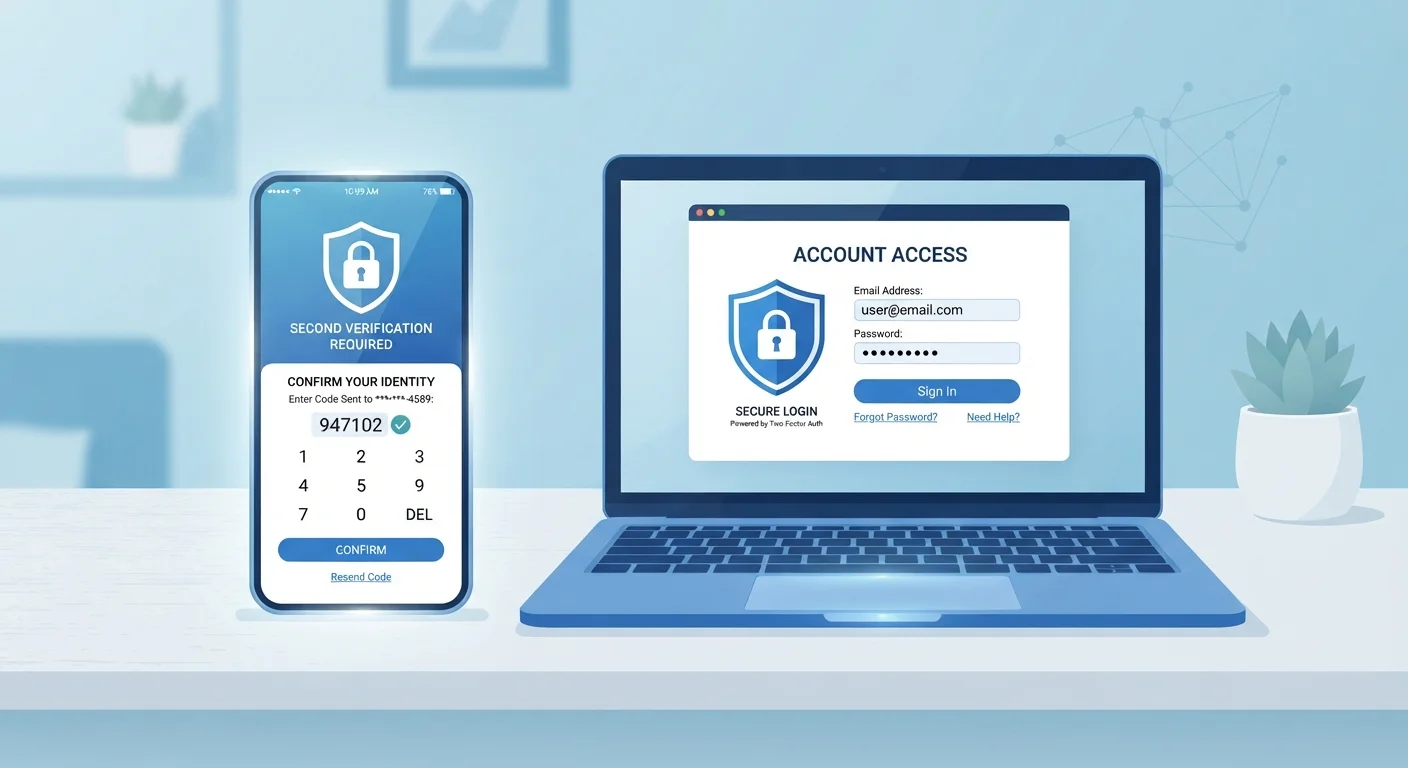
Pairing unique passwords with two-factor authentication (2FA) - a second verification step such as a code sent to your phone - means a stolen password alone is no longer enough to break in. Two-Factor Authentication: Why One Password Is No Longer Enough walks through how to enable it across common services.
If you want a structured approach to reviewing your current exposure, the Personal Data Security Audit covers passwords, account recovery settings, and app permissions in one practical checklist. For a broader foundation, Online Safety from End to End ties all these concepts together in a single comprehensive guide.