What's Actually Inside a Software Update
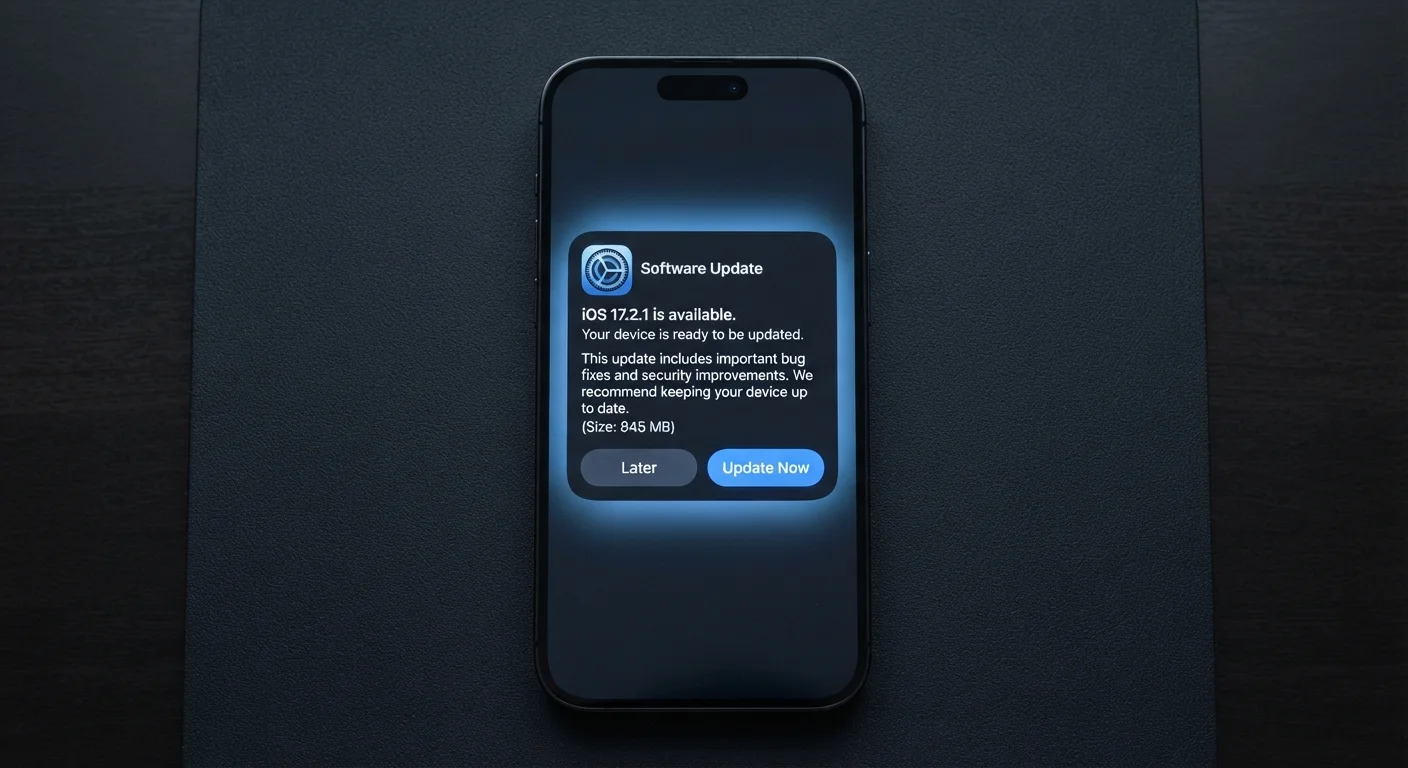
When your phone shows a notification asking you to install an update, it's easy to dismiss it as an inconvenience. In reality, that update package contains several distinct types of changes, each solving a specific problem.
Security patches are the most critical component. Researchers and security teams constantly discover weaknesses in software - gaps in code that could allow an attacker to access your data, intercept your messages, or take control of your device without your knowledge. Patches close those gaps. Bug fixes address errors that cause apps to crash or behave unexpectedly. Performance improvements optimise how your phone uses its processor and memory. And yes, new features sometimes arrive too - but they're rarely the most important part of the package.
Understanding this breakdown changes how you think about that waiting notification. It's less a product announcement and more a maintenance call.
60%+
Of breaches exploit known, patchable vulnerabilities
Security industry analyses consistently find that a majority of successful attacks target vulnerabilities for which patches were already available, according to reports from organisations including the Cybersecurity and Infrastructure Security Agency (CISA).
Days
Time attackers take to exploit a disclosed vulnerability
Research published by security firms has documented exploit code appearing within days - sometimes hours - of a vulnerability being publicly disclosed, underlining the urgency of timely patching.
Why Skipping Updates Is a Genuine Risk
Once a security vulnerability is discovered and a patch is released, the vulnerability itself often becomes public knowledge. Security researchers publish findings, and that information reaches both defenders and attackers simultaneously. Any device that hasn't installed the patch is, in effect, wearing a sign that says: this door is unlocked.
This is not a theoretical concern. Documented incidents involving malware and data theft have repeatedly targeted users running outdated software versions - including on widely used platforms. The window between a patch being released and attackers actively exploiting the underlying vulnerability can be very short.
For everyday users, the practical takeaway is straightforward: an unpatched phone carries measurable risk that an updated phone doesn't. See our guide to smartphone security habits for a broader look at reducing that risk with minimal effort.
Turn On Automatic Updates Now
On Android, go to Settings > System > Software Update and enable automatic downloads. On iPhone, go to Settings > General > Software Update > Automatic Updates and toggle on both Download and Install iOS Updates. This single change means security patches apply in the background, usually overnight, without any action required from you.
System Updates vs. App Updates: Both Count
Your phone's operating system and its individual apps are separate pieces of software, and each needs its own updates.
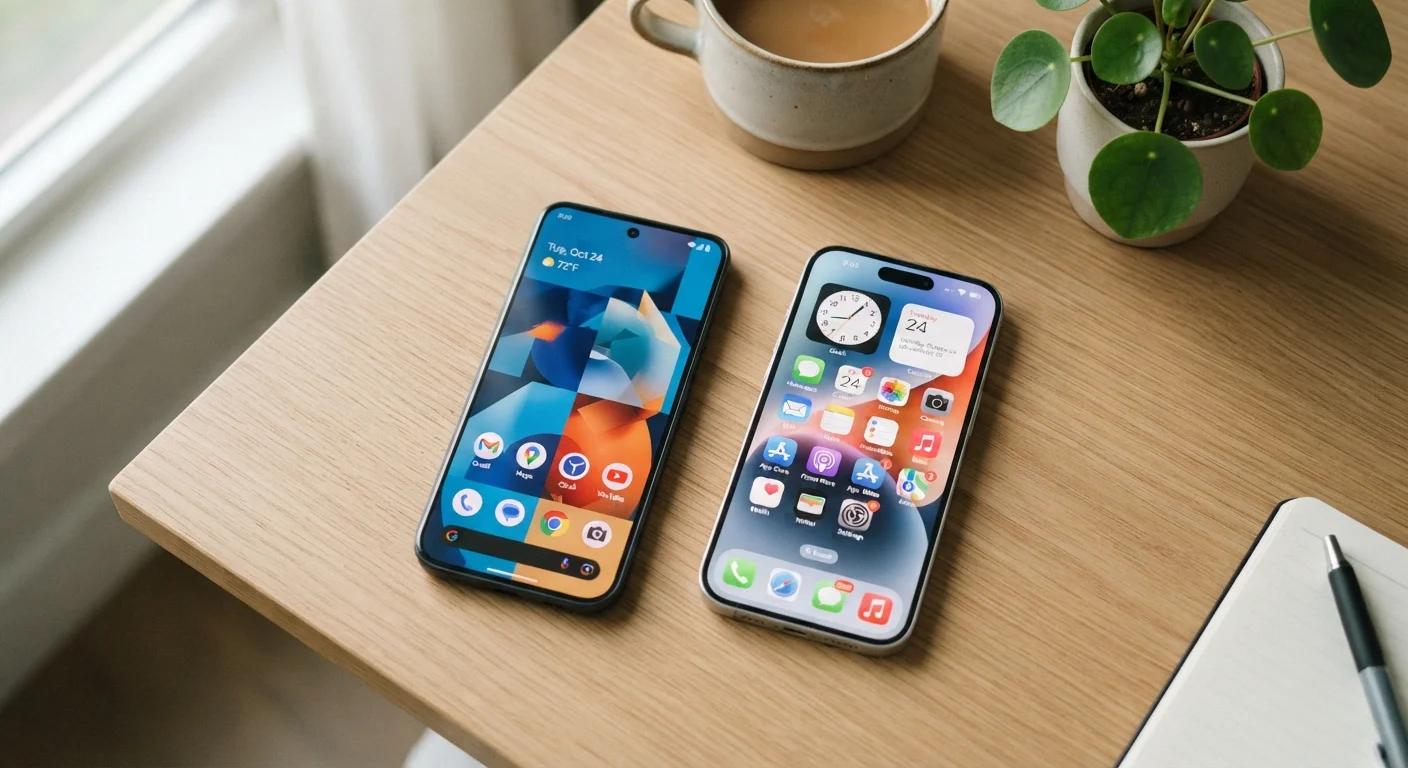
Operating system (OS) updates - delivered by Google for Android and Apple for iOS - patch the foundational layer that everything else runs on. If this layer has a vulnerability, every app on your phone could potentially be affected. Android and iOS handle these updates differently, particularly in how quickly patches reach devices from different manufacturers.
App updates patch the individual programs you use - your banking app, messaging tools, browser, and so on. A vulnerability in a single app can expose sensitive information even if the OS itself is fully up to date. Enabling automatic app updates through your device's app store removes the need to manage this manually.
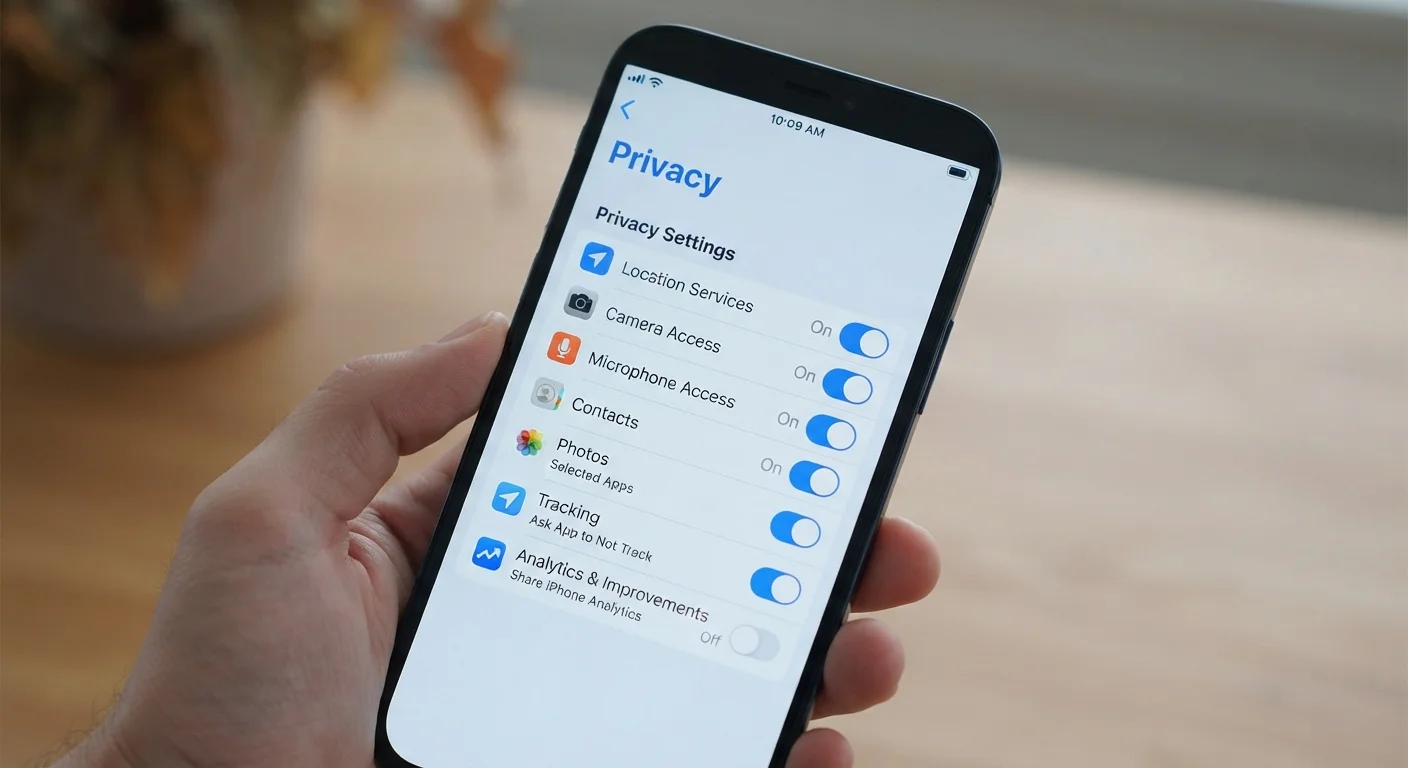
Together, keeping both current gives your device its strongest baseline of protection. Pair this with reviewing your app privacy settings at least once a year for a more complete picture.
Making Updates Less Disruptive in Practice
The most common reason people delay updates is timing - they arrive at inconvenient moments. A few practical habits make this much easier to manage.
- Enable automatic updates. Both Android and iOS allow the OS to download and install updates automatically, typically overnight when the phone is charging and connected to Wi-Fi. This removes the decision entirely.
- Check for updates before travel. If you're about to spend time somewhere with unreliable Wi-Fi, update your phone beforehand so you're not stuck waiting.
- Don't ignore the prompt indefinitely. Most phones will remind you repeatedly, but if you keep dismissing the notification, you may forget it's pending. Set a reminder to install it within a day or two.
These habits sit alongside broader everyday digital security practices that don't require technical expertise to maintain.