What Actually Separates Offline and Online Apps
The core distinction is straightforward: an offline app stores everything it needs - its data, logic, and content - directly on your device. An online app (also called a cloud-based or web-connected app) depends on a remote server to deliver features, retrieve content, or save your work.
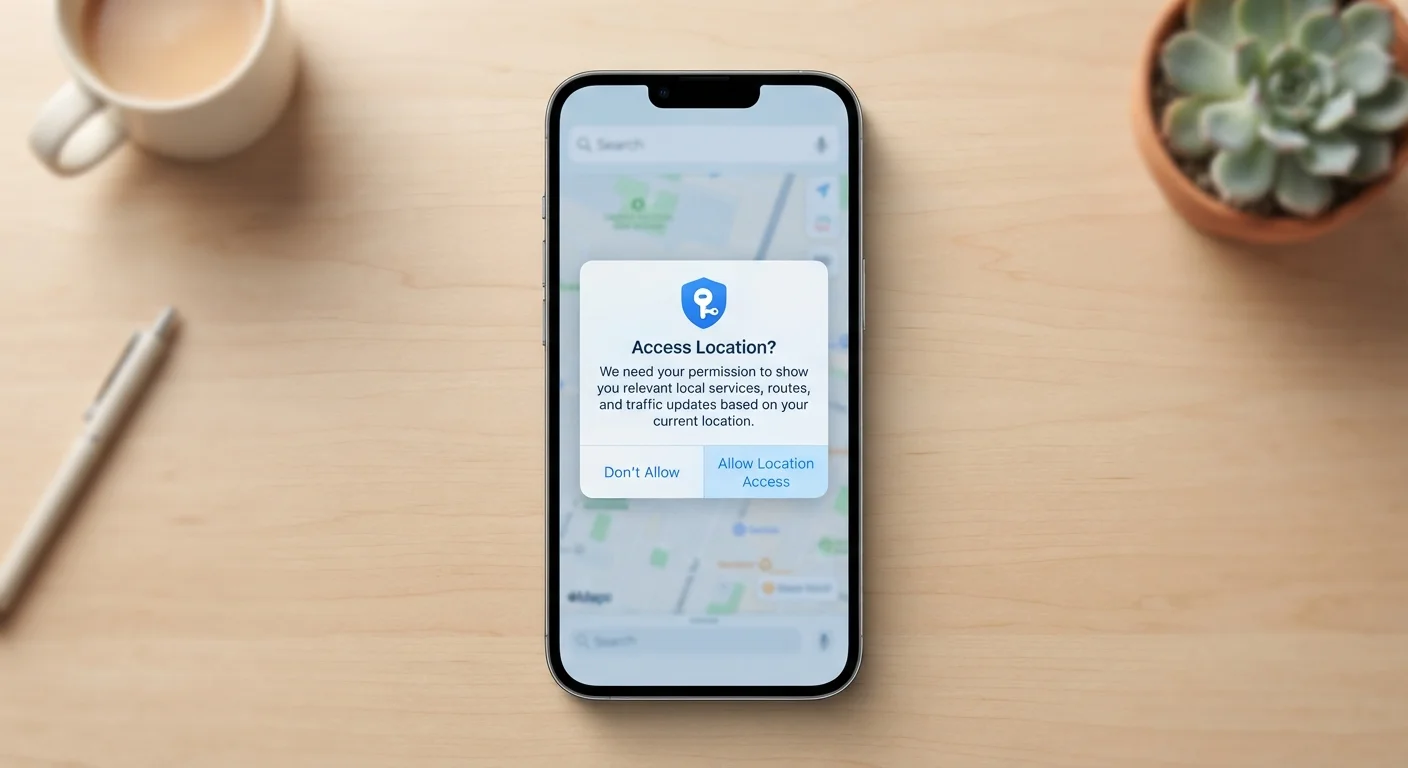
In practice, this affects three things you encounter every day: availability (can you use it without Wi-Fi?), freshness (is the content up to date?), and privacy (where does your data actually go?). Understanding what permissions apps request is closely tied to this - online apps often ask for broader access because they need to communicate with external services.
| Criterion | Offline Apps | Online Apps |
|---|---|---|
| Internet required | No | Yes (fully or partially) |
| Data storage location | On your device | Remote servers (cloud) |
| Real-time updates | Not available | Yes, continuously |
| Cross-device sync | Manual or limited | Automatic |
| Privacy exposure | Lower (data stays local) | Higher (data sent externally) |
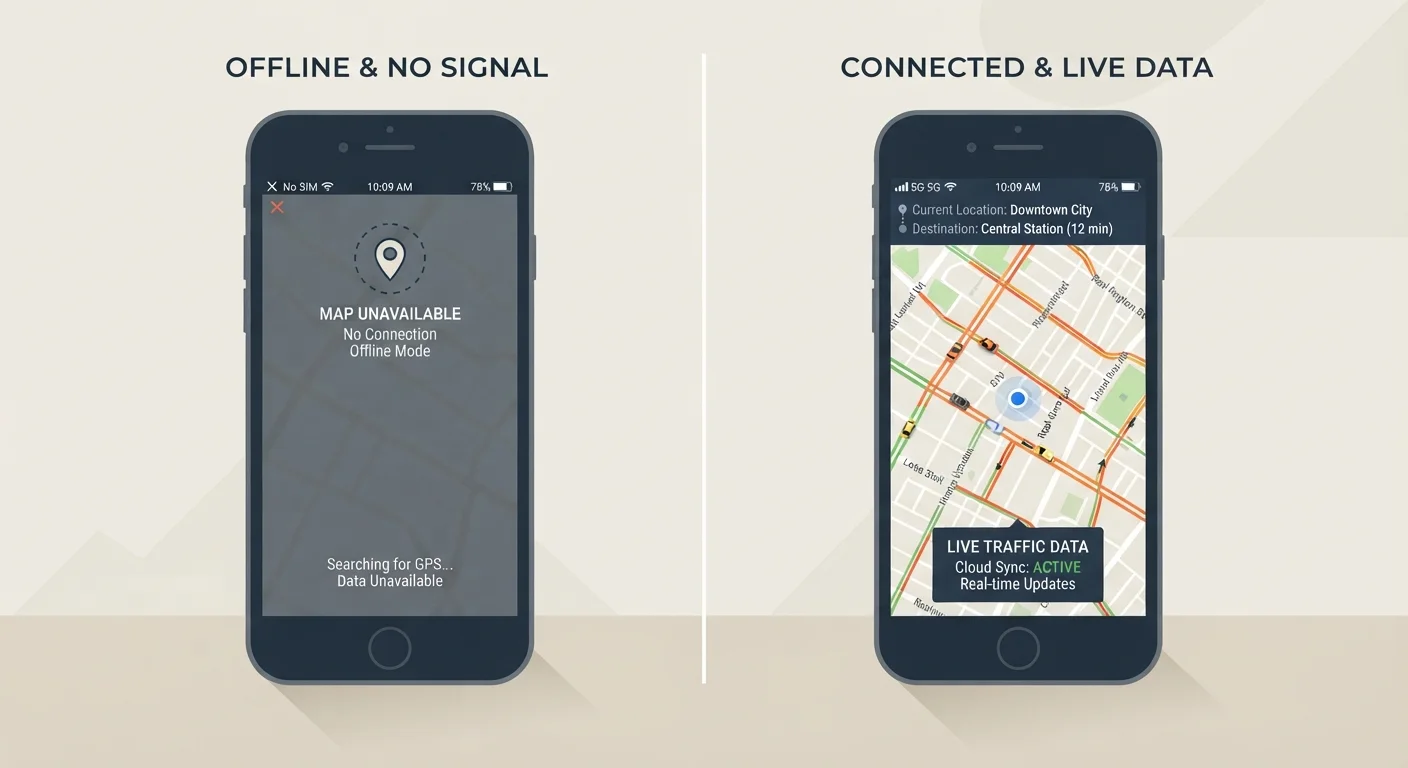
| Reliability without signal | Full functionality | Degraded or unavailable |
| Collaboration features | None or very limited | Core strength |
When Offline Access Makes a Real Difference
Offline capability matters most when connectivity is unpredictable. Passengers on long train journeys, hikers in remote areas, or anyone traveling internationally with a limited data plan all benefit from apps that don't require a signal. A downloaded map, a locally stored playlist, or a note-taking app that saves to your device will work exactly the same whether you have five bars or none.
There's also a privacy angle worth considering. Offline apps that never transmit data externally are inherently less exposed to the risks that come with network-connected software - though this doesn't mean they're immune to all threats. For a broader picture of safe digital habits, the online safety topic hub covers essential practices that apply regardless of which type of app you use.
~60%
Mobile users who experience daily connectivity gaps
Surveys by mobile network analysts consistently find a significant share of smartphone users encounter signal drops or slow data at least once daily, particularly in transit or rural areas.
3-5×
More permissions requested by online vs. offline apps
App permission analyses published by mobile security researchers suggest connected apps typically request substantially more device access than their offline counterparts.
Where Online Apps Genuinely Pull Ahead
Online apps shine when information needs to be current or shared. Weather apps, news readers, navigation with live traffic, and collaborative documents all require a live connection to be useful. There's no offline substitute for real-time translation, a shared family calendar, or a video call.
Cross-device continuity is another strength. If you start a document on your phone and want to continue on a laptop, an online app handles that seamlessly - your work lives on a server, not just one device. This is one of the practical differences also explored in how Android and iOS handle files and updates differently.
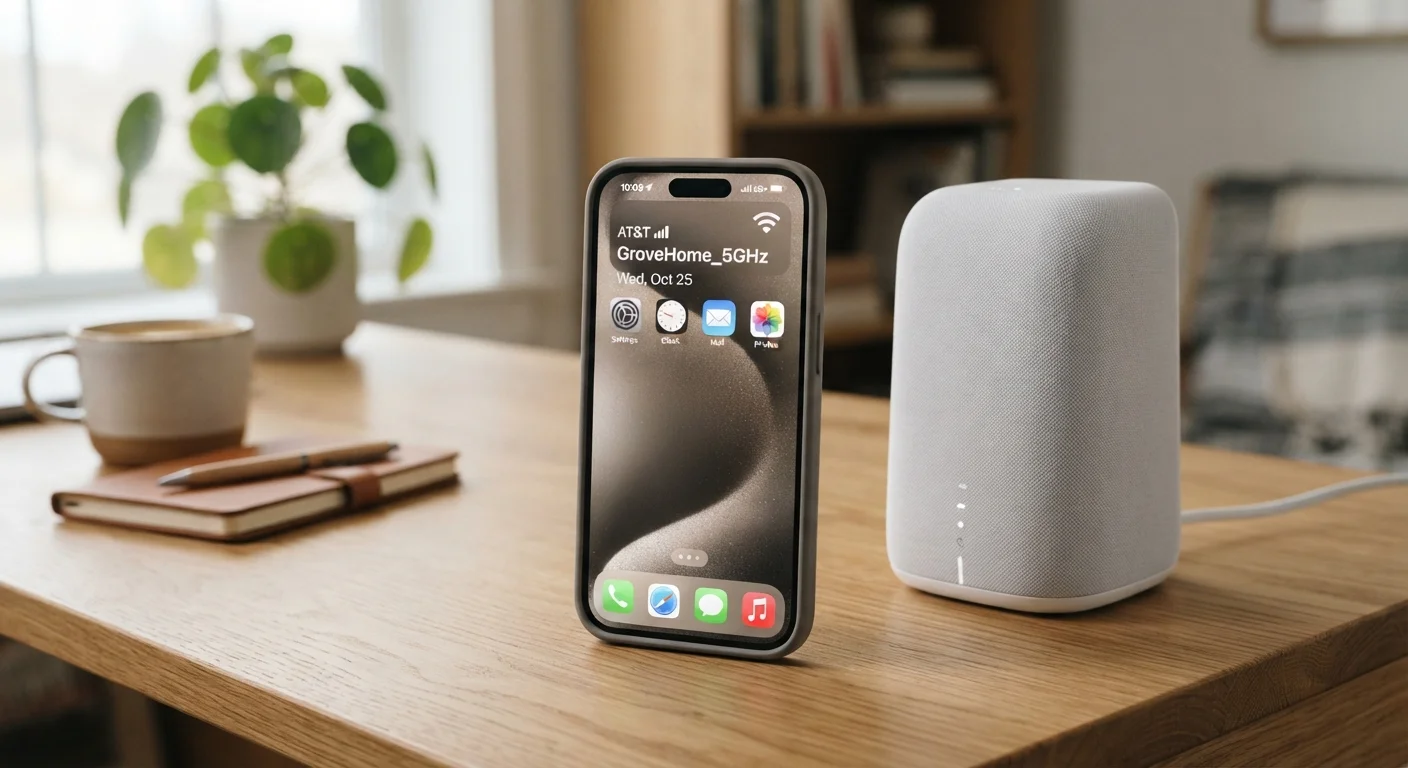
Connection quality matters here too. Understanding when your phone uses mobile data versus Wi-Fi helps you anticipate when an online app might slow down or fail to sync.
The Hybrid Middle Ground Most Apps Now Occupy
The offline-versus-online framing is increasingly blurry. Most mainstream apps now offer hybrid behavior: they work offline for core functions but sync to a server when connectivity is available. Email apps queue your outgoing messages. Note apps save locally and push changes to the cloud. Streaming apps let you download content in advance for offline playback.
This hybrid approach means the better question is often: how gracefully does this app handle a lost connection? An app that crashes or loses data when Wi-Fi drops is more disruptive than one that queues changes and syncs quietly later. Check whether an app you rely on has a clearly explained offline mode before you need it in a low-signal situation.
If you're also weighing whether a free or paid version of an app better suits your needs, understanding freemium trade-offs is worth reading alongside this comparison - offline features are sometimes locked behind paid tiers.
Offline Mode Isn't the Same as Full Offline
When an app advertises an 'offline mode,' it usually means a limited subset of features works without a connection - not the full app. Before relying on offline mode in a critical situation, test it deliberately by enabling airplane mode and checking which functions still respond. Some apps also require you to opt in to offline content downloads before you lose your connection, not after.