Why Deleting Feels Final - But Often Isn't
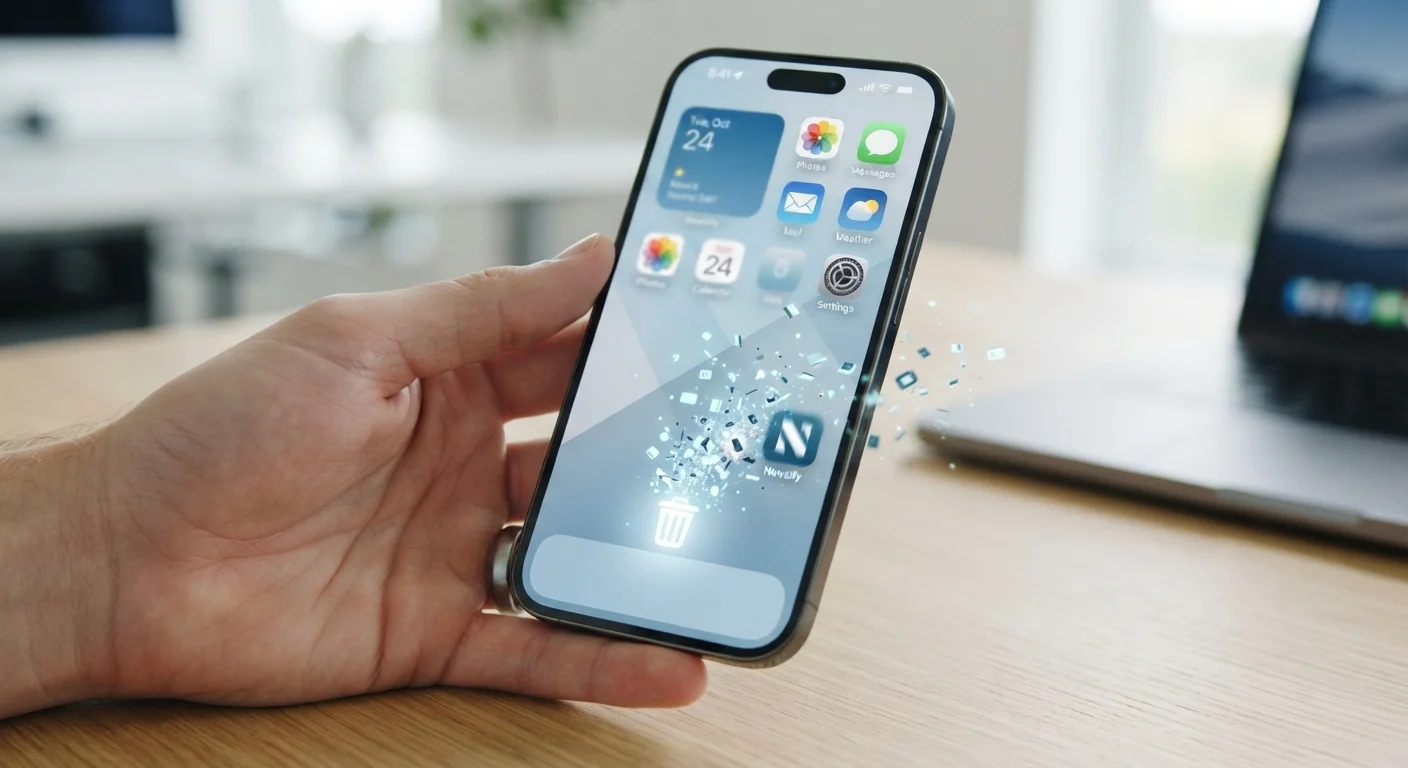
Most of us treat app deletion like throwing something in a bin: gone is gone. You press and hold an icon, tap "Delete" or "Uninstall," and assume that closes the chapter. In practice, what gets removed is the app's code from your phone's local storage - not the broader footprint it has already created.
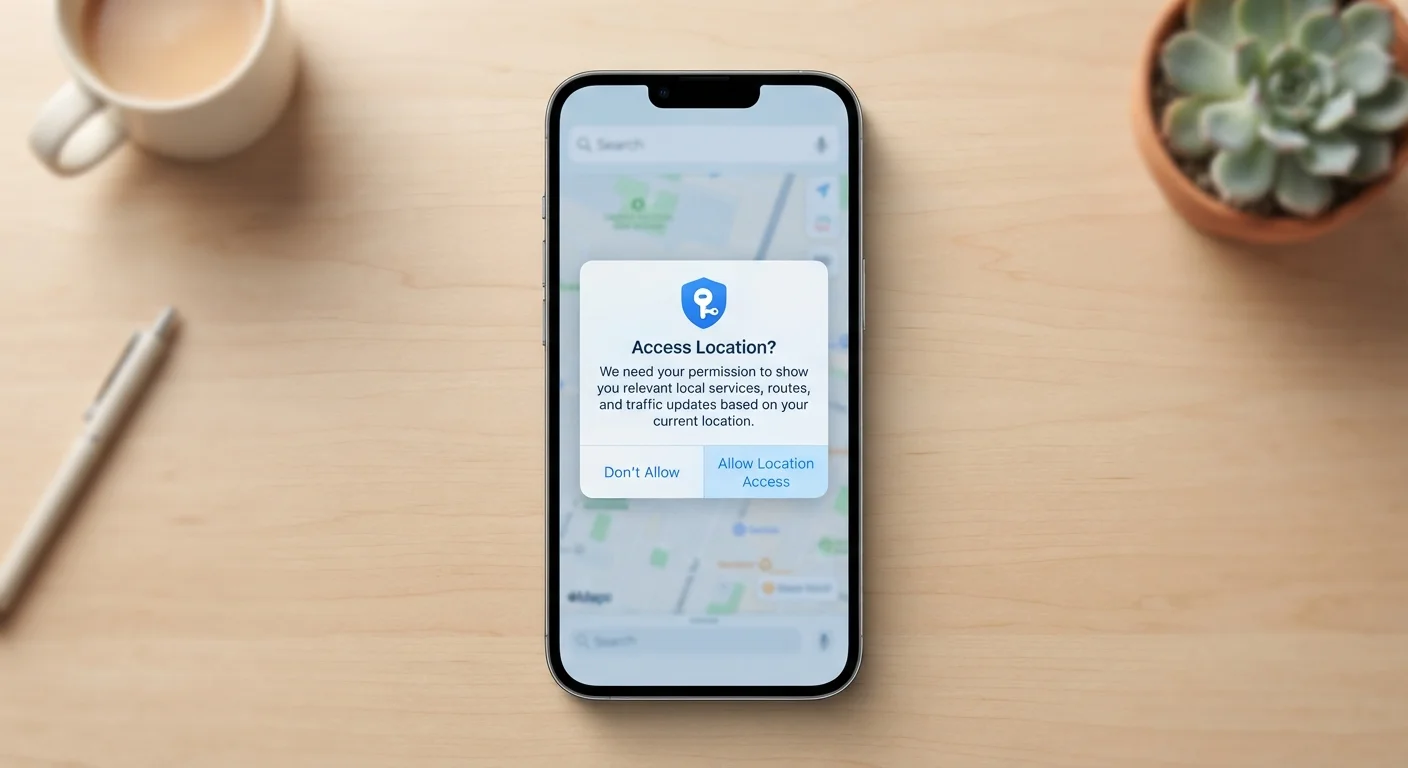
Think of an app as having two separate lives: one on your device, and one on the developer's servers. Deleting the app ends the first life. The second continues unless you actively shut it down. Understanding this split is the first step to making genuinely informed decisions about your digital privacy. For a deeper look at what apps access in the first place, see our guide to app permissions.
Myth
Deleting an app permanently removes all of your personal data.
Fact
Deleting an app removes it from your device, but your account data typically remains on the company's servers.
App data lives in two places: locally on your phone and remotely on the developer's servers. Uninstalling only clears the local copy. Your account, history, and preferences remain intact remotely - which is why reinstalling and logging back in usually restores everything exactly as you left it.
Myth
If I delete an app, it stops collecting data about me.
Fact
Data collection stops when the app is removed, but previously collected data may still be retained and used by the developer.
An app can't run code on your device after it's uninstalled, so active data collection does stop. However, data already gathered - usage patterns, location history, device identifiers - may be retained by the developer or already shared with third parties, depending on their privacy policy.
Myth
Clearing the cache is the same as deleting the app.
Fact
Clearing the cache removes temporary files only; deleting the app removes the software itself, and neither removes server-side data.
Cache files are temporary data your phone stores to speed up app performance - things like images or recently viewed content. Clearing the cache frees up storage but leaves your account, settings, and app intact. Deleting the app goes further locally, but neither action touches what's stored on the developer's servers.
Myth
On iPhone, deleting an app wipes everything associated with it.
Fact
iOS deletes the app and its local data, but iCloud backups and server-stored account data are unaffected.
Apple's approach is more thorough than Android's default in that local documents and data are removed with the app. However, if you've synced anything to iCloud - notes, game progress, photos - that content remains in your iCloud account. And any account registered with the app's own service continues to exist on that company's servers.
Myth
In-app purchases disappear when you delete an app.
Fact
In-app purchases tied to your Apple or Google account are preserved and can typically be restored when you reinstall.
Purchases are linked to your app store account, not the app installation itself. As long as you use the same Apple ID or Google account, your purchase history is retrievable. Most apps offer a "Restore Purchases" option precisely because reinstallation is common and developers don't want users paying twice.
What Actually Happens to Your Data
When you delete an app on Android, your phone removes the installed package and, depending on your settings, its locally stored data and cache. On iPhone, iOS deletes the app along with its local documents and data by default - but that does not mean everything is wiped.
Here's what commonly survives deletion:
- Account data on company servers: Your messages, posts, preferences, and profile remain stored remotely until you explicitly delete your account.
- Cloud-synced files: Photos or documents synced to services like Google Drive or iCloud stay in the cloud untouched.
- Purchase history: In-app purchases tied to your Google or Apple account persist and are often restorable if you reinstall.
- Advertising identifiers: Some third-party data brokers may already hold data collected during your use of the app.
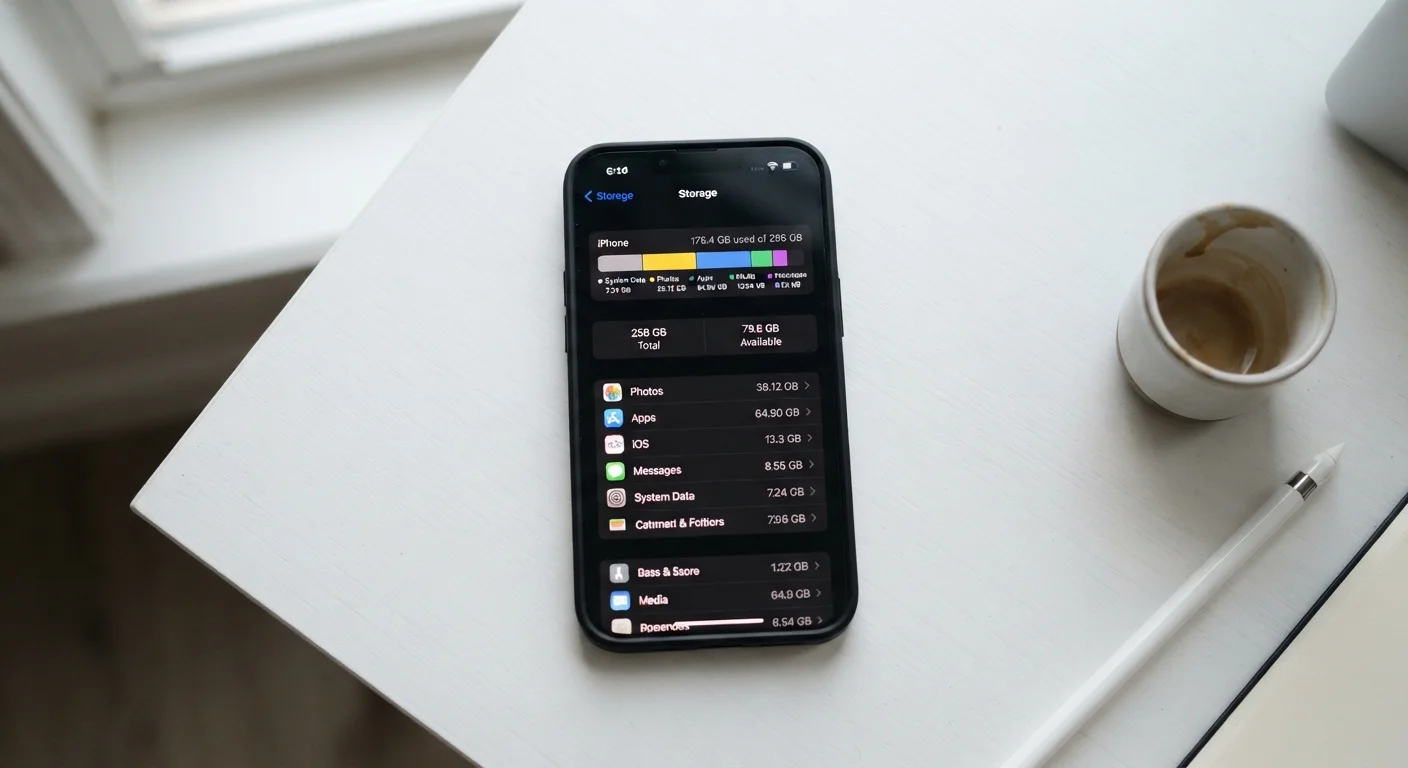
This is also why reinstalling an app and logging back in frequently restores your full experience - the data was never gone from the server's perspective. You can learn more about how stored data relates to your phone's available space in our article on smartphone storage explained.
Don't Skip the Account Deletion Step
Simply uninstalling an app without deleting your account means your profile, messages, and personal information remain active on the company's servers indefinitely. If you're removing an app for privacy reasons, always check whether you need to delete or deactivate your account separately. Look for this option inside the app's settings before you uninstall, or visit the developer's website directly.
How to Actually Clear Your Data
If your goal is a clean break - whether for privacy, security, or a fresh start - follow these steps in the right order:
- Delete your account first. Log in to the app or its website and look for an account deletion or data removal option, usually under Privacy or Security settings. Many apps are required by law (including GDPR in Europe) to honor these requests.
- Request data deletion if available. Under GDPR, users in Germany and across the EU have the right to request that a company delete their personal data. Most major apps provide a form or in-app option for this.
- Then uninstall the app. Once your account is deleted or your request is submitted, removing the app clears its local footprint from your device.
- Clear residual cache manually if needed. On Android, go to Settings > Apps > > Storage and tap "Clear Cache" and "Clear Data" before uninstalling if you want to be thorough.
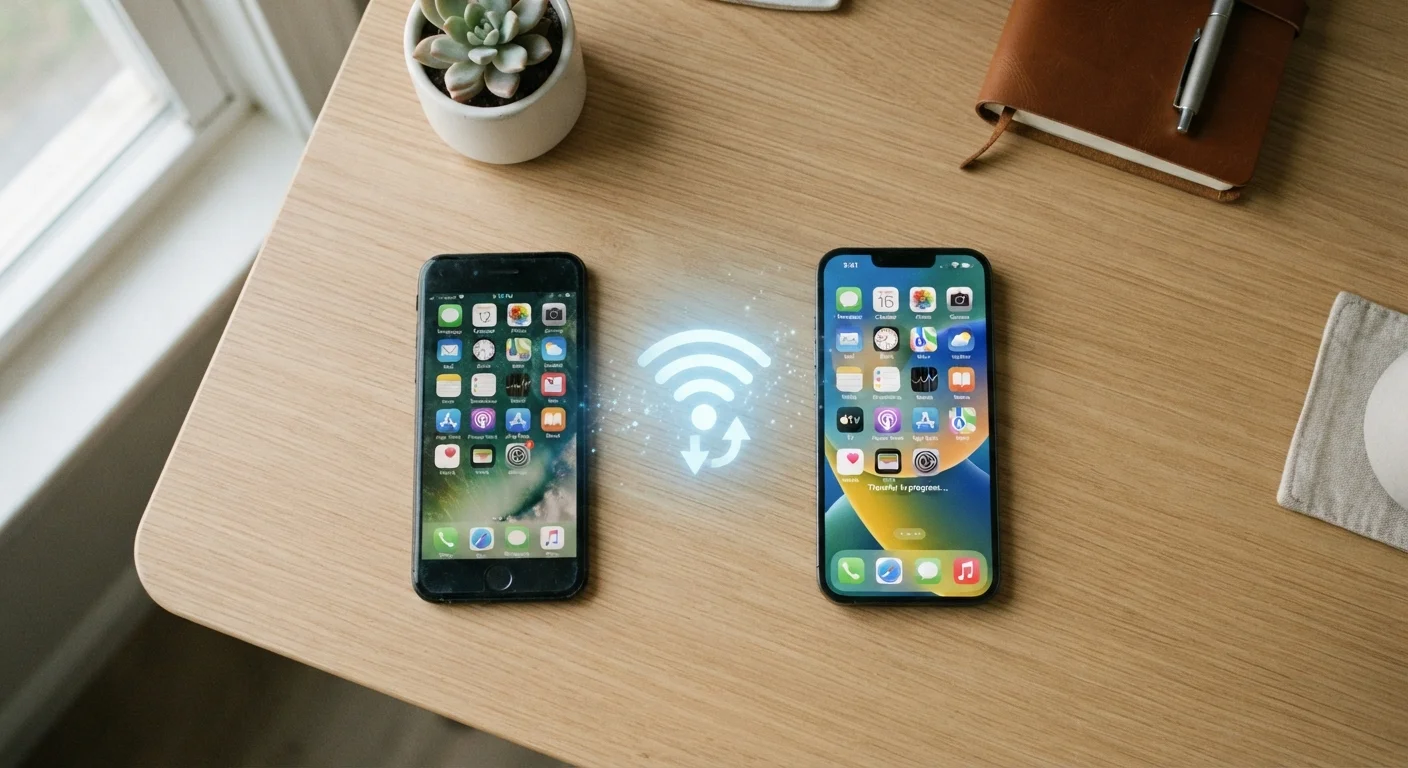
If you're switching phones and want to manage what carries over, our guide on setting up a new smartphone walks through what data transfers and what you can leave behind.
72%
Apps retaining data post-uninstall
A study by researchers at Northeastern University found that a significant majority of popular apps continued to retain user data on remote servers after the app was deleted from the device.
30 days
Typical account data retention window
Many major platforms, including social media services, retain account data for a grace period - often around 30 days - after a deletion request, in case users change their minds.