The Brain: Processor and RAM
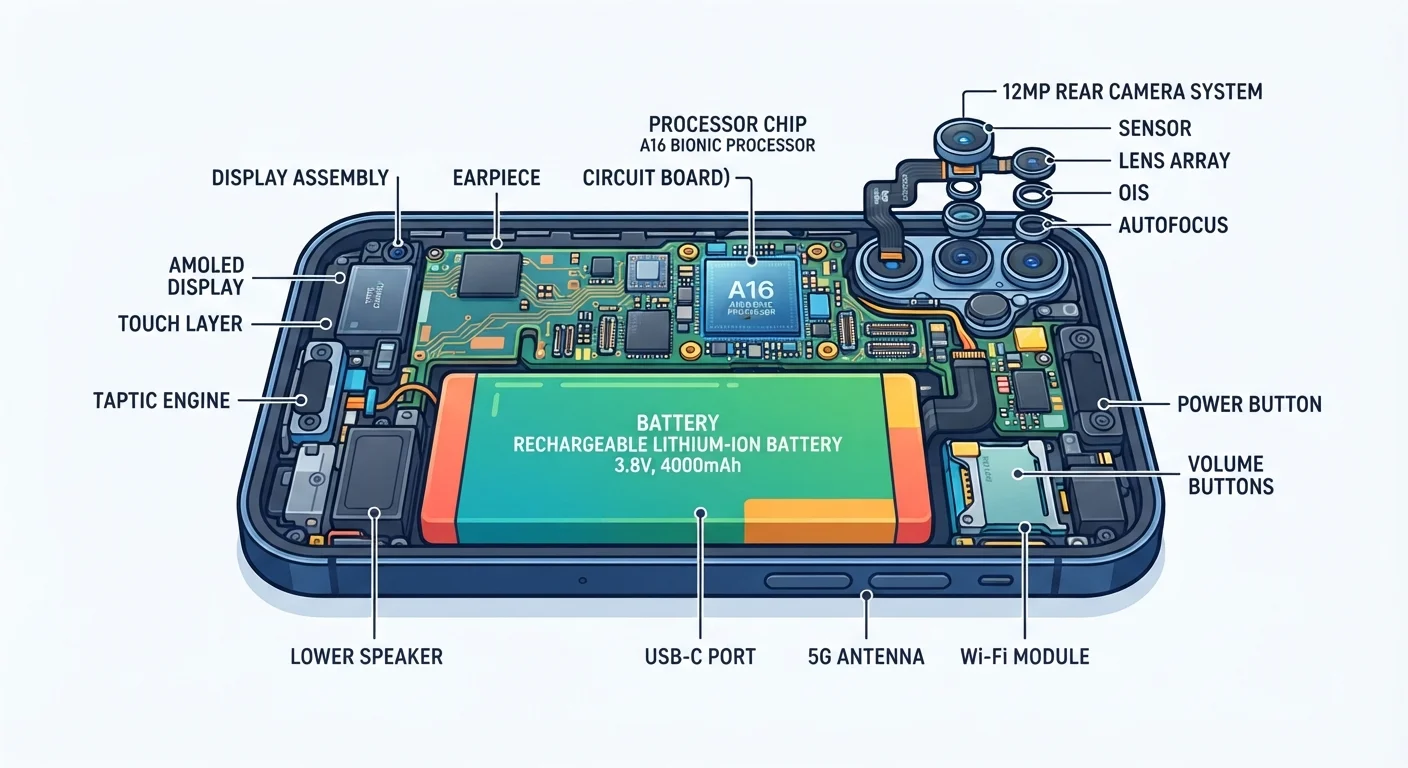
At the heart of every smartphone is a processor - often called a chip or SoC (System on a Chip). It carries out every instruction your phone receives, from opening an app to playing a video. A faster processor means smoother performance, but it also affects battery consumption.
RAM (Random Access Memory) works alongside the processor as short-term working memory. When you switch between apps, RAM holds each app's current state so it can resume instantly. If your phone feels sluggish when juggling multiple apps, limited RAM is often the reason.
When comparing phones, pay attention to the number of CPU cores and the RAM capacity together - a fast chip paired with limited RAM will still feel choppy when multitasking.
Processor speed and RAM work as a system; bottlenecking either one limits real-world performance regardless of how impressive individual specs look on paper.
Avoid consistently charging your battery to 100% and letting it drain to 0% - staying in the 20-80% range helps slow long-term capacity degradation.
Lithium-ion chemistry experiences more stress at extreme charge levels; partial charging cycles are generally associated with longer battery lifespan according to battery research literature.
Unlike a computer, you cannot easily upgrade your phone's processor or RAM after purchase - these are permanently embedded in the device.
Storage: Where Everything Lives
Your smartphone has two kinds of memory that are easy to confuse. RAM (discussed above) is temporary. Internal storage is permanent - it holds your photos, downloaded apps, messages, and music even after you switch the phone off.
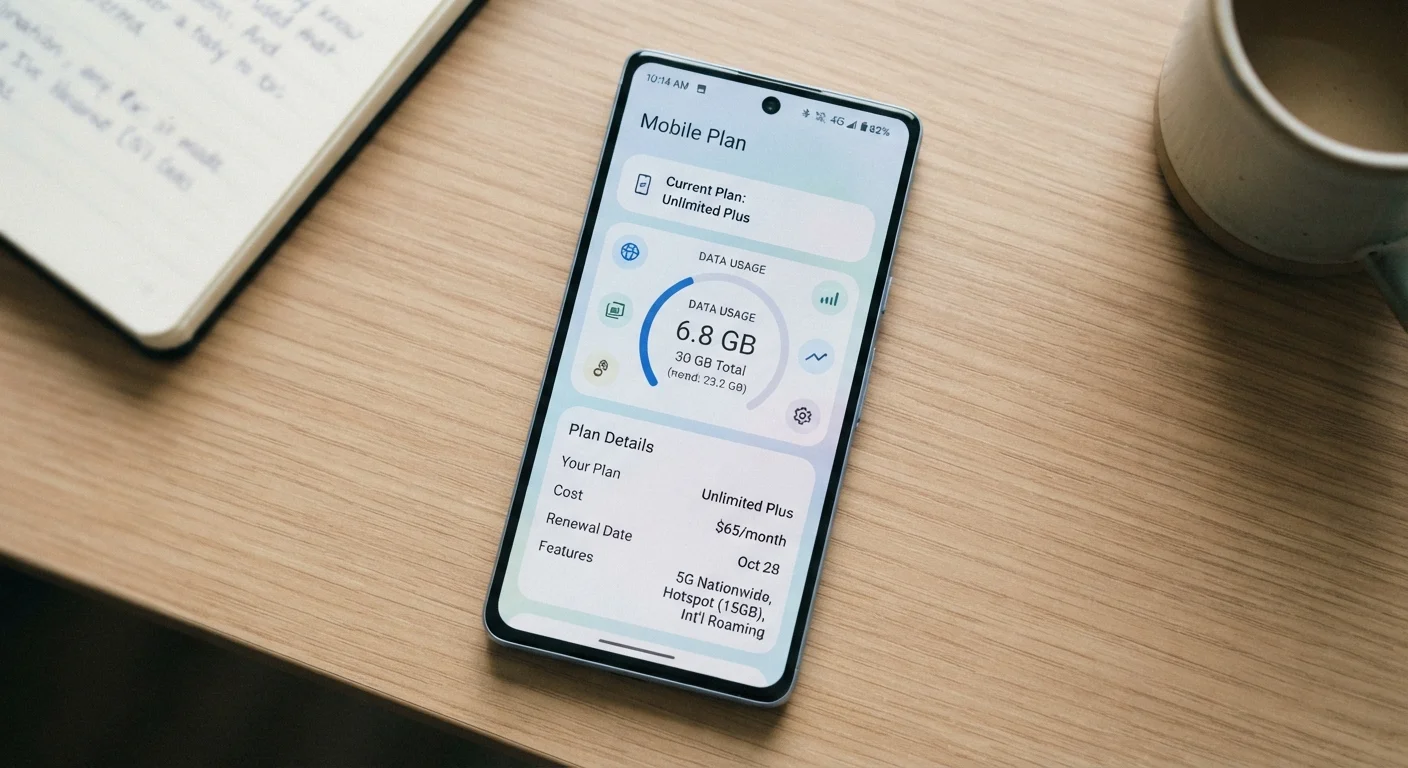
Storage capacity is measured in gigabytes (GB). A photo taken at high resolution might use 4-8 MB, while a single app could occupy anywhere from a few MB to several GB. Understanding what gigabytes really mean can also help you choose a mobile data plan that fits your habits.
128 GB
Common baseline internal storage today
Entry-level smartphones sold in Europe frequently ship with 128 GB as a starting capacity, compared to 16-32 GB just a decade ago.
500+
Charge cycles before notable battery degradation
Many lithium-ion smartphone batteries retain roughly 80% of original capacity after approximately 500 full charge cycles, though this varies by usage patterns and manufacturer.
Some phones accept a microSD card to expand storage cheaply, but many modern devices - particularly flagship models - no longer include this slot, so checking before purchase is worthwhile.
Battery and Charging
Smartphone batteries are lithium-ion cells, chosen for their energy density and rechargeability. Capacity is rated in milliampere-hours (mAh) - a rough measure of how much charge the battery can hold. A higher mAh number typically means longer use between charges, though the processor, screen brightness, and active connections all affect real-world drain significantly.
Batteries degrade gradually with each charge cycle. After several hundred full cycles, maximum capacity drops noticeably. Most operating systems include a battery health indicator in the settings menu so you can monitor this over time.
Mismatched Chargers Can Cause Damage
Always use a charger that matches your phone's supported charging standard. Using a charger with a significantly higher voltage than your phone supports can damage the battery and, in rare cases, pose a safety risk. When in doubt, use the charger supplied with your device or one certified by a recognised standards body.
Fast charging and wireless charging are convenient features, but the underlying technology differs between phone models and charger types. Using a charger with mismatched voltage specifications can, in rare cases, damage the battery or the phone.
Screen and Touch Technology
Modern smartphone screens are either LCD (Liquid Crystal Display) or OLED (Organic Light-Emitting Diode). LCD screens use a backlight behind the panel; OLED screens light up individual pixels, allowing for deeper blacks and, often, better energy efficiency when displaying dark content.
The touch layer sits above the display panel and works through capacitive sensing - your fingertip conducts a tiny electrical charge, and the screen detects where that charge changes. This is why a gloved finger or a regular pen typically doesn't register, but a dedicated stylus designed for capacitive screens does.
Screen resolution, measured in pixels, determines sharpness. A higher pixel count within the same physical size (expressed as PPI - pixels per inch) produces a crisper image.
Cameras and Sensors
Smartphone cameras use small image sensors to capture light. The sensor converts light into digital data, which the processor then processes into a final photo. Many phones now include multiple rear lenses - wide, ultra-wide, and telephoto - each optimised for a different shooting distance or field of view.
Beyond cameras, smartphones pack in a range of smaller sensors: an accelerometer detects motion and orientation, a gyroscope measures rotation, a proximity sensor turns off the screen during calls, and an ambient light sensor adjusts screen brightness automatically. These work silently in the background to make the device feel responsive and intuitive.
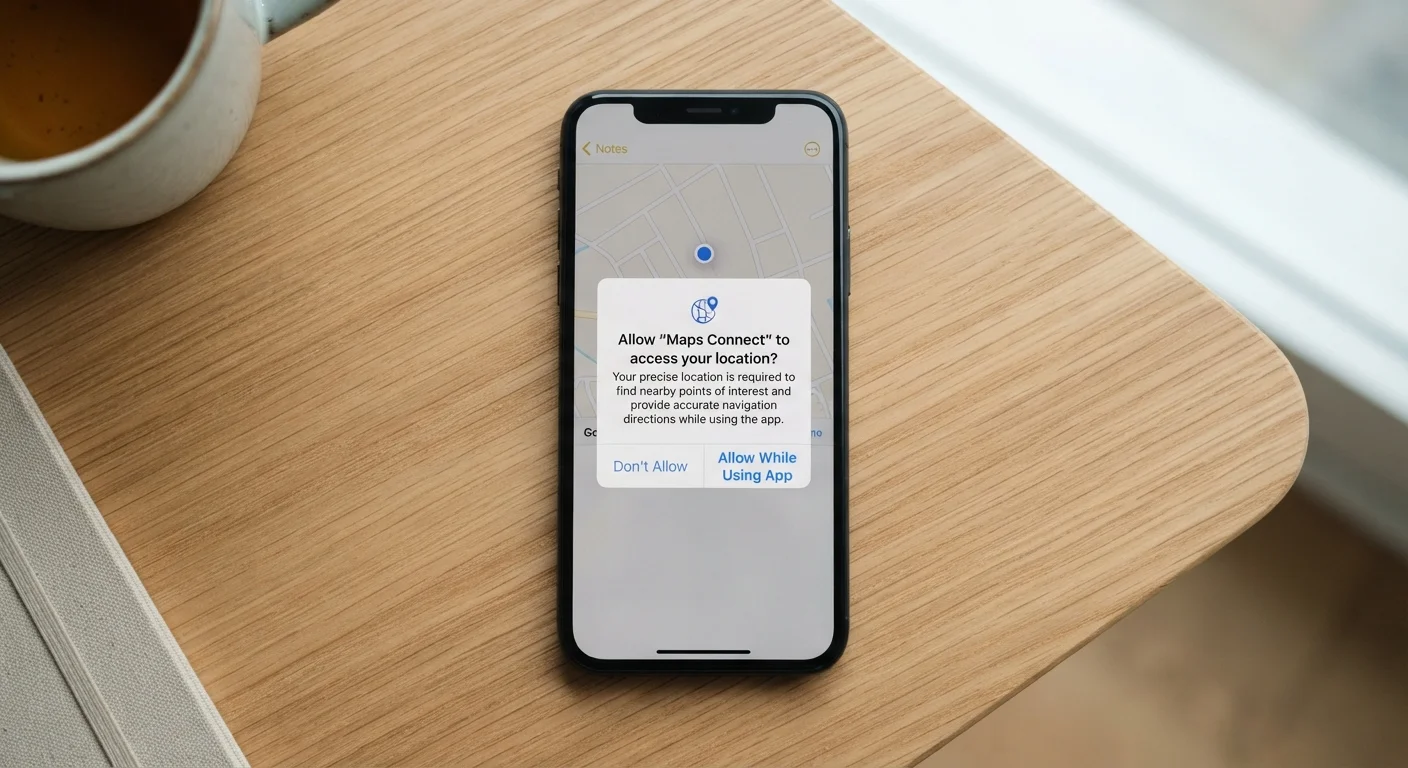
Apps can request access to camera and sensor data. Understanding those requests matters - see our guide on what app permissions actually access for a clear breakdown.
Connectivity: SIM, Wi-Fi, Bluetooth, and More
Your phone connects to the world through several distinct systems. The SIM card (Subscriber Identity Module) - now increasingly replaced by an embedded eSIM - identifies your account with a mobile network, enabling calls, SMS, and mobile data. Without it, a smartphone is essentially a Wi-Fi-only device.
Wi-Fi connects to local wireless networks via a router. Bluetooth creates short-range connections to accessories like headphones or smartwatches. NFC (Near Field Communication) enables contactless payments and quick data sharing over very short distances - typically a few centimetres.
eSIM Is Replacing Physical SIM Cards
Many newer smartphones now support eSIM - an embedded, reprogrammable SIM that is built into the device rather than inserted as a physical card. eSIM allows you to switch mobile providers digitally without handling a physical card. Support from German mobile operators for eSIM has grown steadily and is now available from all major providers.
New users often find the basics of SIM cards and connectivity a little daunting at first. Our plain-English introduction to smartphones covers these concepts step by step.
How It All Works Together
Every component described above communicates through the phone's motherboard - the central circuit board that physically connects the processor, storage, sensors, and radios. The operating system (Android or iOS) acts as the traffic controller, routing tasks between hardware and the apps you use.
When you tap an icon, the touchscreen sends a signal to the processor, which retrieves the app from storage into RAM, draws the interface on screen, and - if the app needs network access - calls on the Wi-Fi or mobile radio. All of this happens in milliseconds.
Keeping your phone secure at the hardware and software level is equally important. Our guide on smartphone security for everyday users offers practical habits that don't require technical expertise. And if you ever need to lend or repair your device, protecting your data before handing over your phone is essential reading.
“The smartphone is now the primary computing device for most people on earth. Understanding what it does - even at a basic level - puts you in a much stronger position to use it safely and effectively.”
— Jan Dawson, Technology analyst and founder of Jackdaw Research